
Display nested categories and products
A worked parent-and-child example: return nested records, repeat the categories, and bind each category’s products.
Render a separate product list inside each category.
Also called: nested repeat, nested query, repeat regions, parent child, nested lists.
Before you begin
Section titled “Before you begin”- Complete Repeat table rows and bind data before using nested item scopes.
- For the database version, use categories (id, name) and products (id, category_id, name), with products.category_id identifying its category.
Start with the nested result
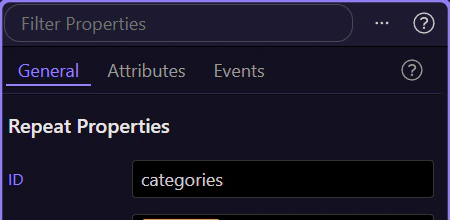
Section titled “Start with the nested result”The tour opens a completed example using an in-page collection. It contains two categories, each with its own products array. This is the shape the page needs, whether it comes from a Variable, an API or database queries.
[{"id":1,"name":"Stationery","products":[{"name":"Notebook"},{"name":"Pencil"}]},{"id":2,"name":"Bags","products":[{"name":"Backpack"}]}]
For database data, query the categories
Section titled “For database data, query the categories”Create a Server Connect action. Add a Database Query named categories, select your categories table, and return id and name. Confirm it returns the two category records. The next repeat will shape the result returned to the page.
Query the products for each category
Section titled “Query the products for each category”Add a server-side Repeat named categories_with_products with categories as its expression. Include id and name in the Repeat output fields. Inside it, add a Database Query named products. Filter products.category_id to the current repeat record’s id using the picker; its expression is $value.id. Enable Output for the products query and the outer repeat. Test the action and expand both returned categories: each must contain its own products array.
Repeat the category cards
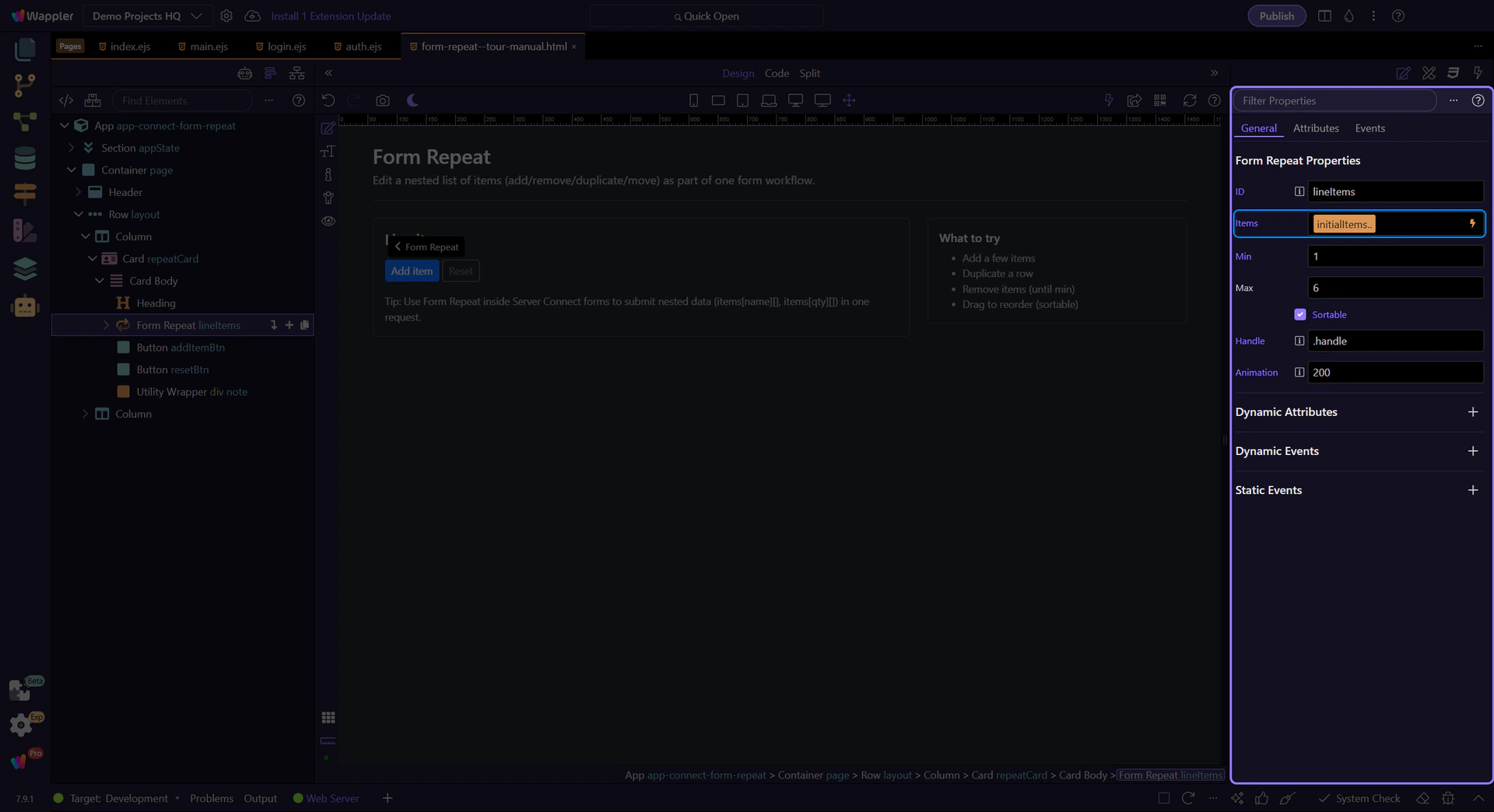
Section titled “Repeat the category cards”Add a Server Connect component called sc_categories and choose that action. Put one category card inside a wrapper and make the wrapper Repeat Children. Bind its Expression to sc_categories.data.categories_with_products. In the sample it is catalog.value because the same nested data is supplied directly.
Bind the category heading
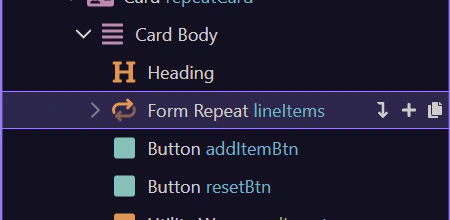
Section titled “Bind the category heading”Select the heading inside the outer repeat and bind Text to the category’s name. This heading is outside the inner product repeat, so name refers to the category.
Add the product repeat inside the card
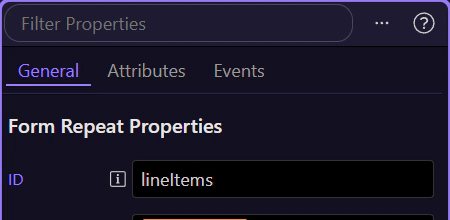
Section titled “Add the product repeat inside the card”Inside that same category card, add a list with one list item. Make the list Repeat Children and choose products from the current category’s scope for its Expression. Do not bind the inner list to the complete server response or a global products query.
Bind the product name in the inner scope
Section titled “Bind the product name in the inner scope”Select the list item inside the inner repeat and bind Text to its local name. Here name refers to a product. The nesting determines which record the field belongs to.
Preview and check the grouping
Section titled “Preview and check the grouping”Save and Preview. Stationery should show Notebook and Pencil; Bags should show Backpack. If every category shows all products, check the server query filter and the inner repeat expression. If names are blank, select the node inside the correct repeat before opening the picker. For large datasets, consider a nested query/relationship result to avoid executing a separate query for every category.
Check your result
Section titled “Check your result”Stationery contains Notebook and Pencil; Bags contains Backpack. A product appears under its own category rather than under every category.