Generating an unique UUID identifier
Intro You can quickly generate an unique UUID identifier in Server Connect and use it in your API Action (Server Action) steps, where required. Generating UUID The UUID is available in the global valu
You can quickly generate an unique UUID identifier in Server Connect and use it in your API Action (Server Action) steps, where required.
Generating UUID
Section titled “Generating UUID”The UUID is available in the global value in the server data picker, not as a separate step in the server action steps. So it will be available for you in every step, where you see the data picker icon - database insert, update and many others.
We will show you the generated UUID using a simple set value step.
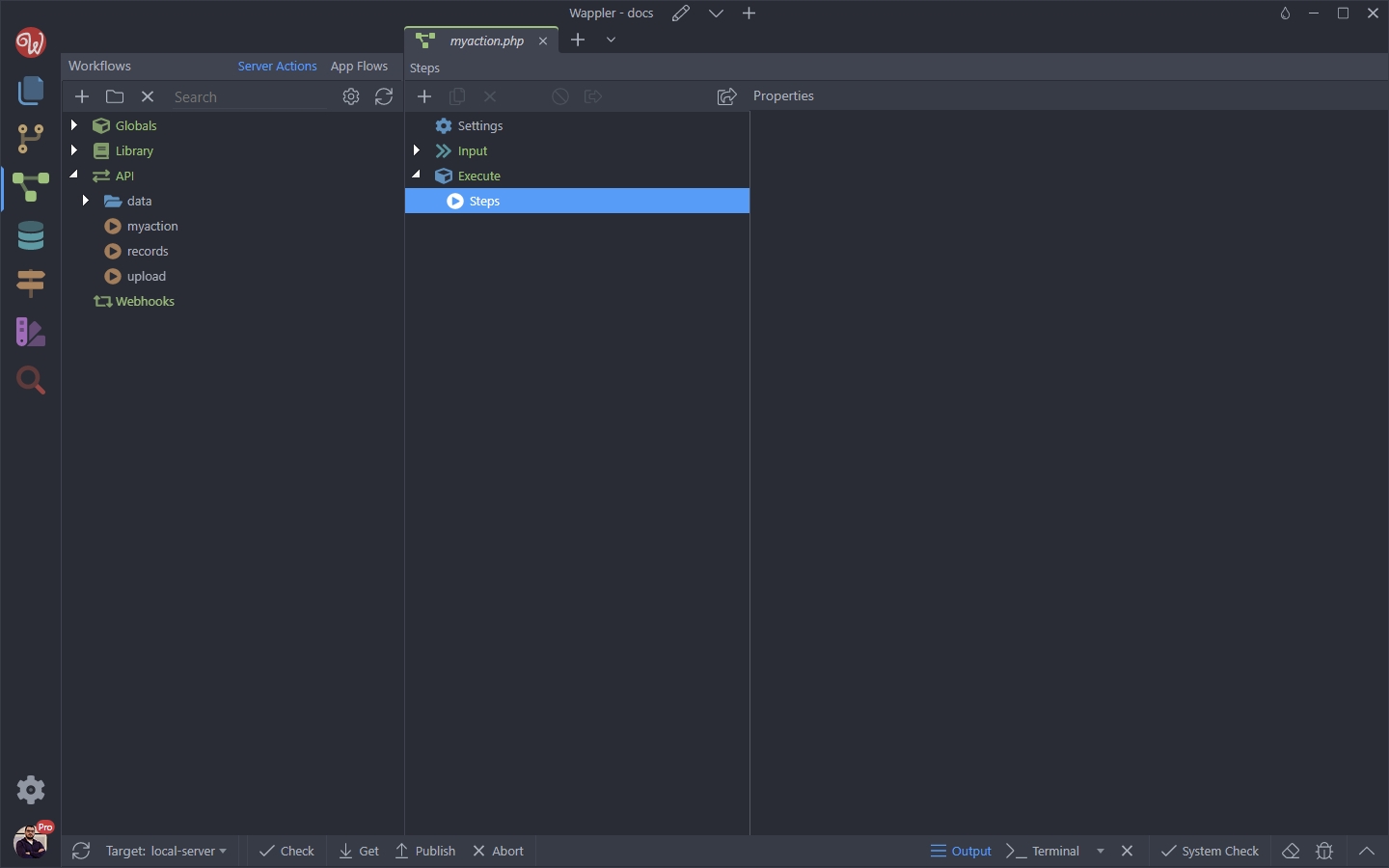
We created an API Action:
And we add a Set Value step to it:
Section titled “And we add a Set Value step to it:”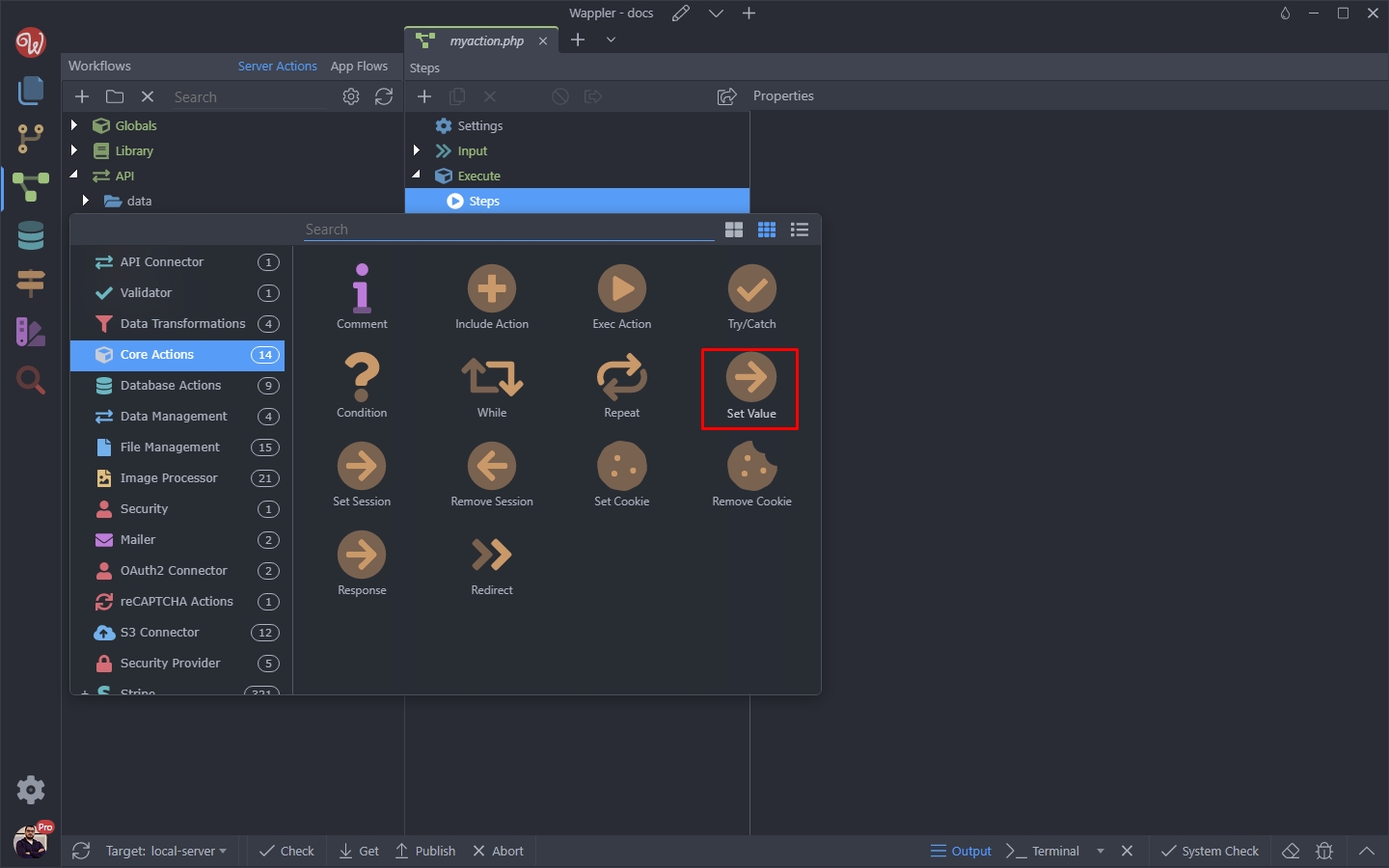
Add a name for the Set Value step and click the dynamic data picker for its value:
Section titled “Add a name for the Set Value step and click the dynamic data picker for its value:”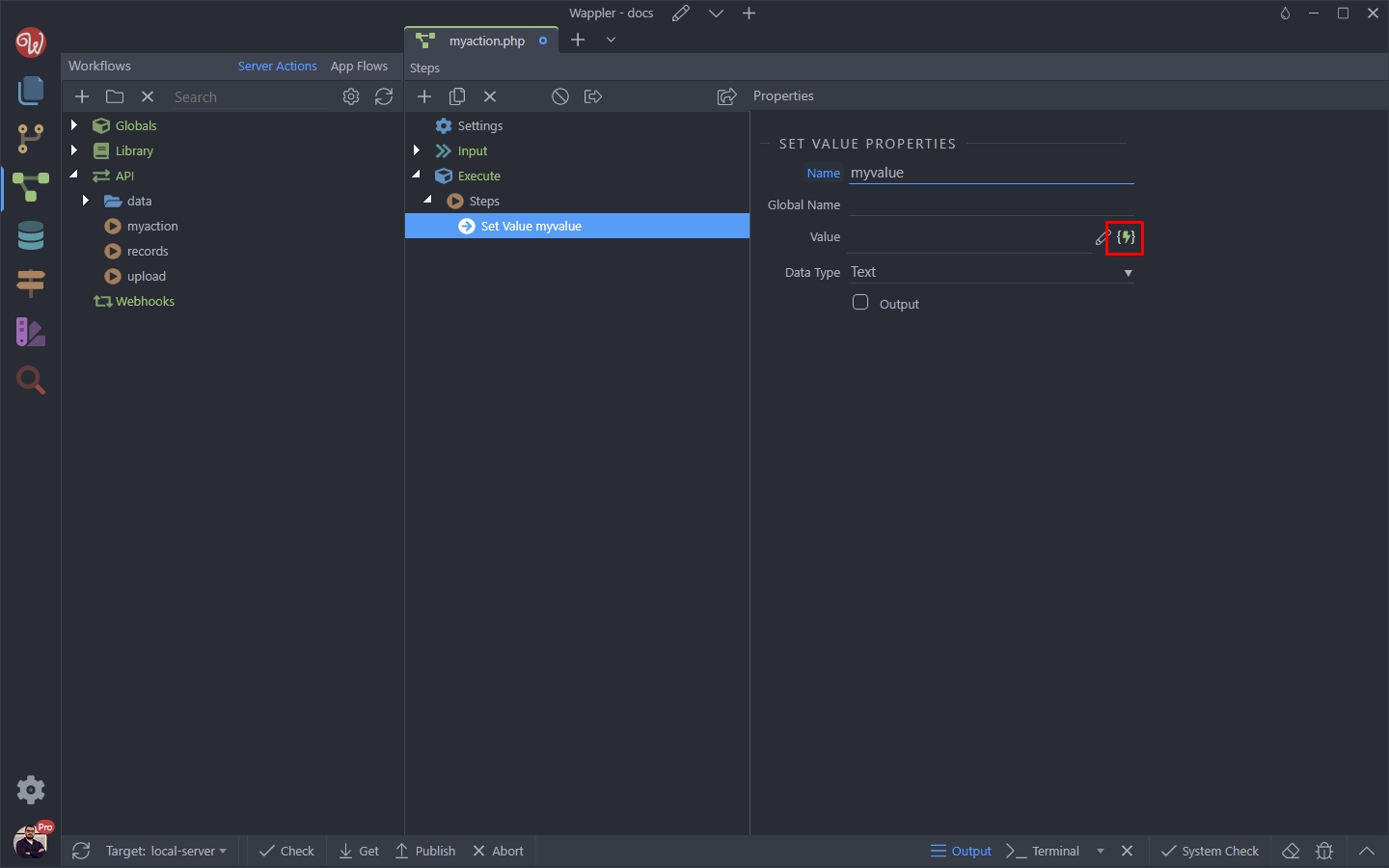
Step 6
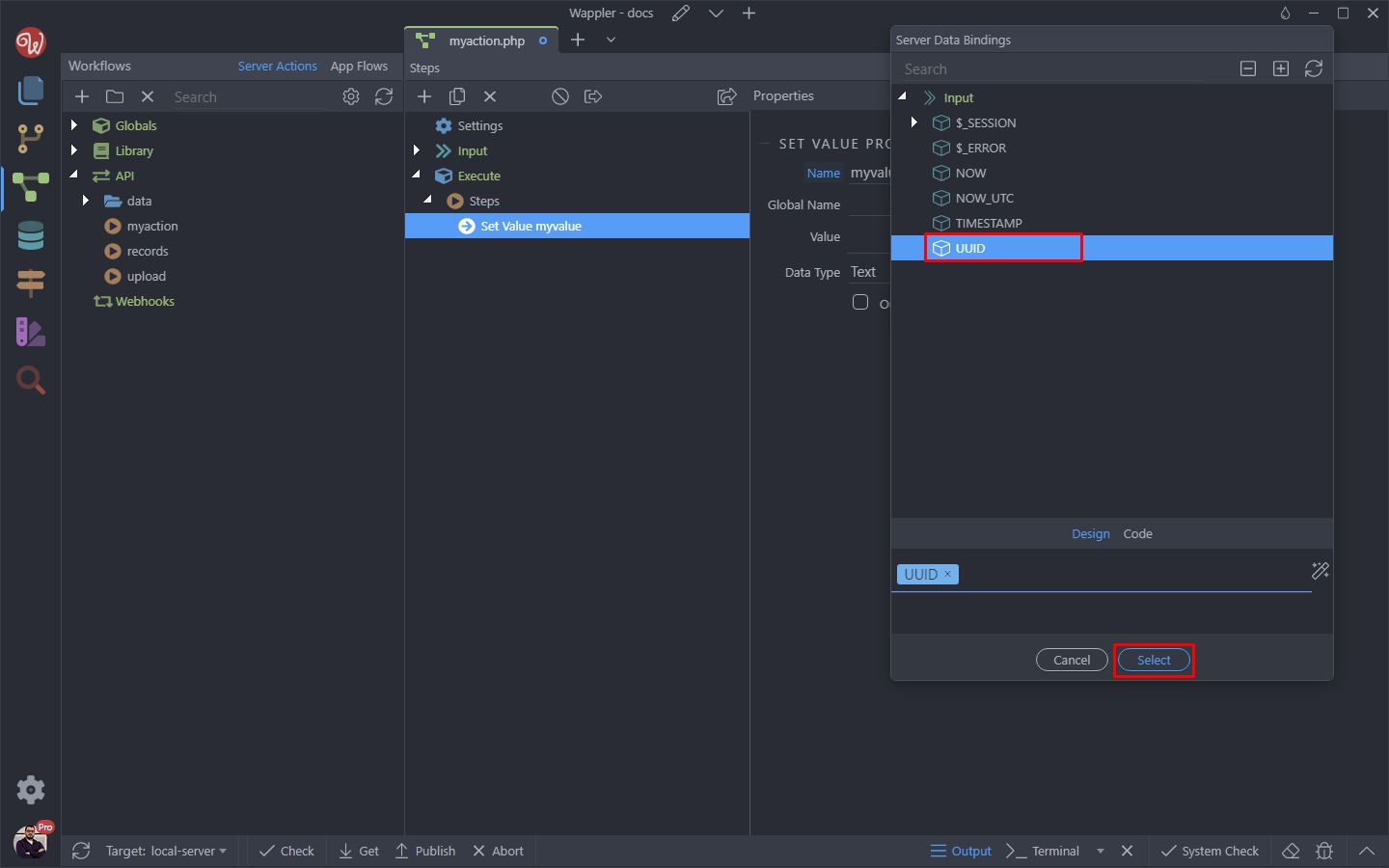
Section titled “Step 6”You can see the UUID just where all the rest of the global options are. Select it and click the select button:
Enable the output option for the Set Value step:
Section titled “Enable the output option for the Set Value step:”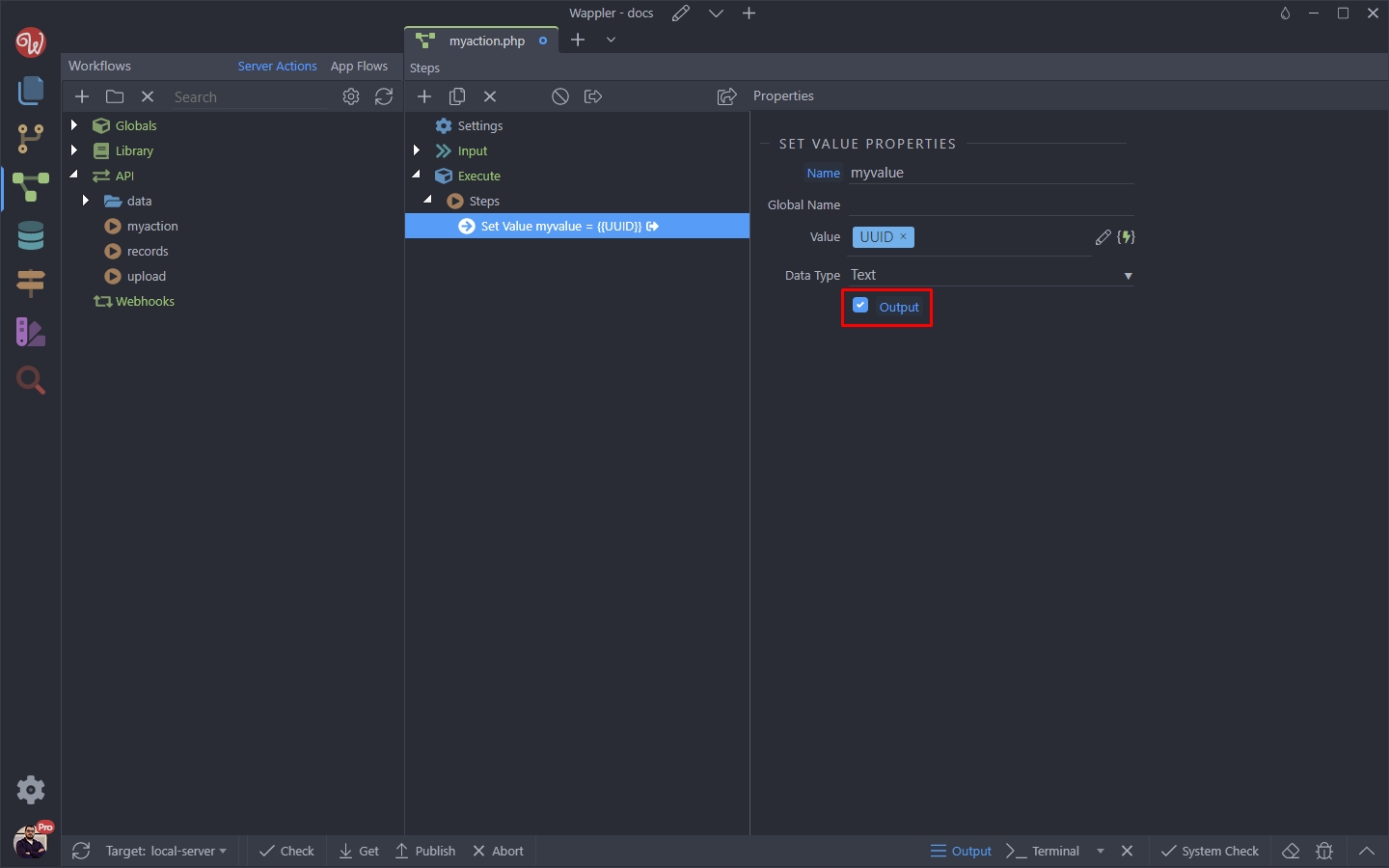
Save your API Action:
Section titled “Save your API Action:”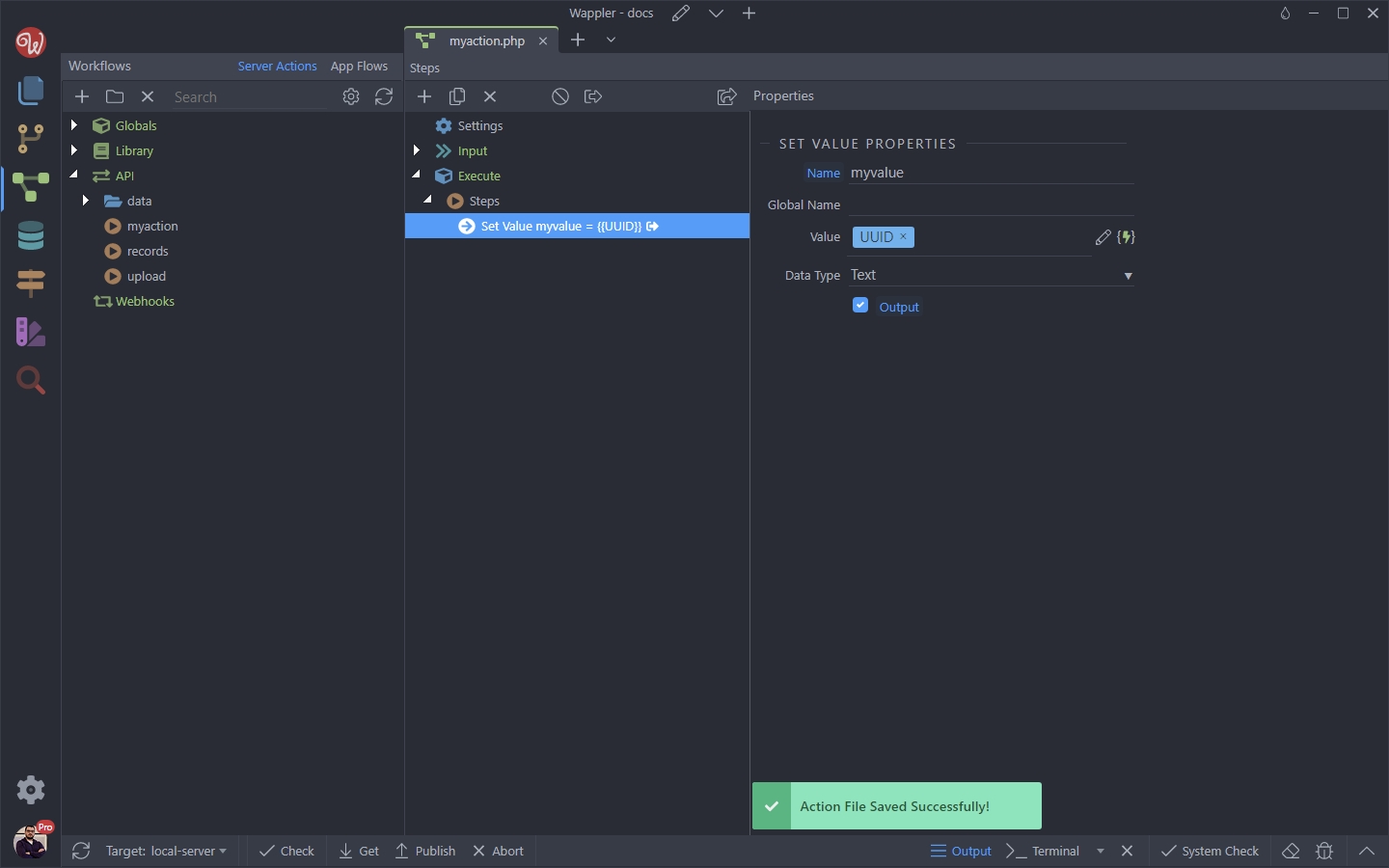
And click the preview in browser button:
Section titled “And click the preview in browser button:”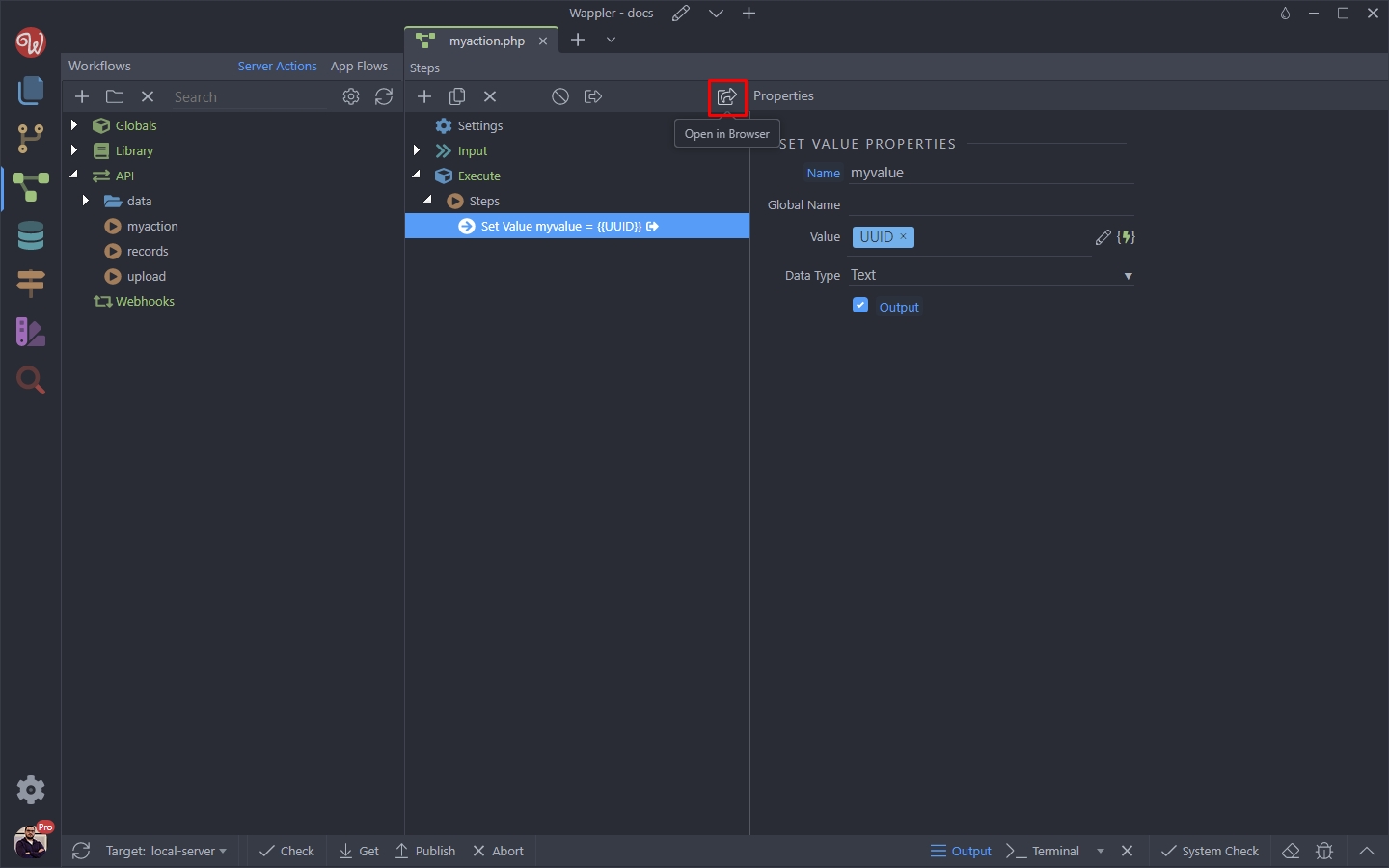
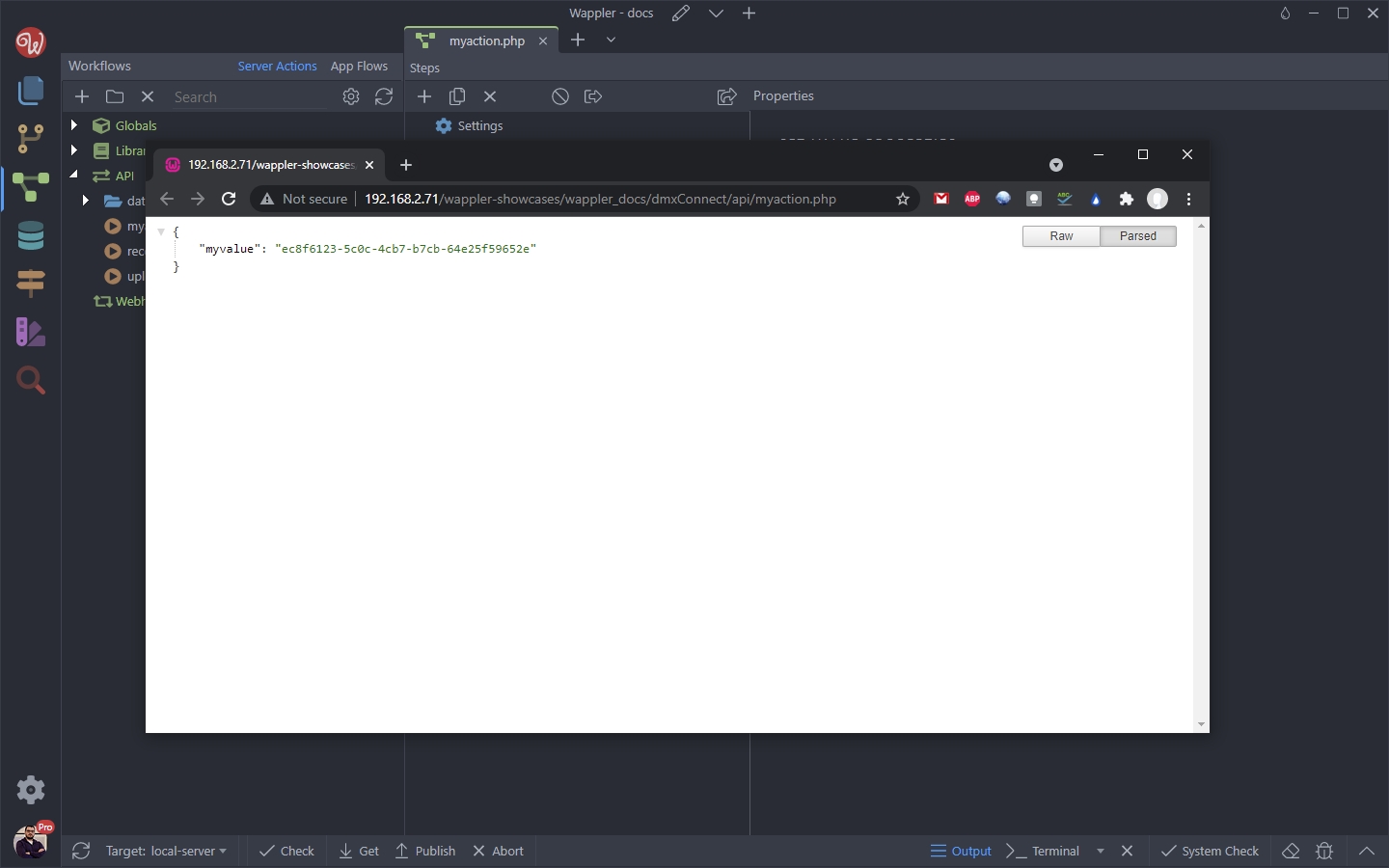
And you can see the generated UUID:
Section titled “And you can see the generated UUID:”