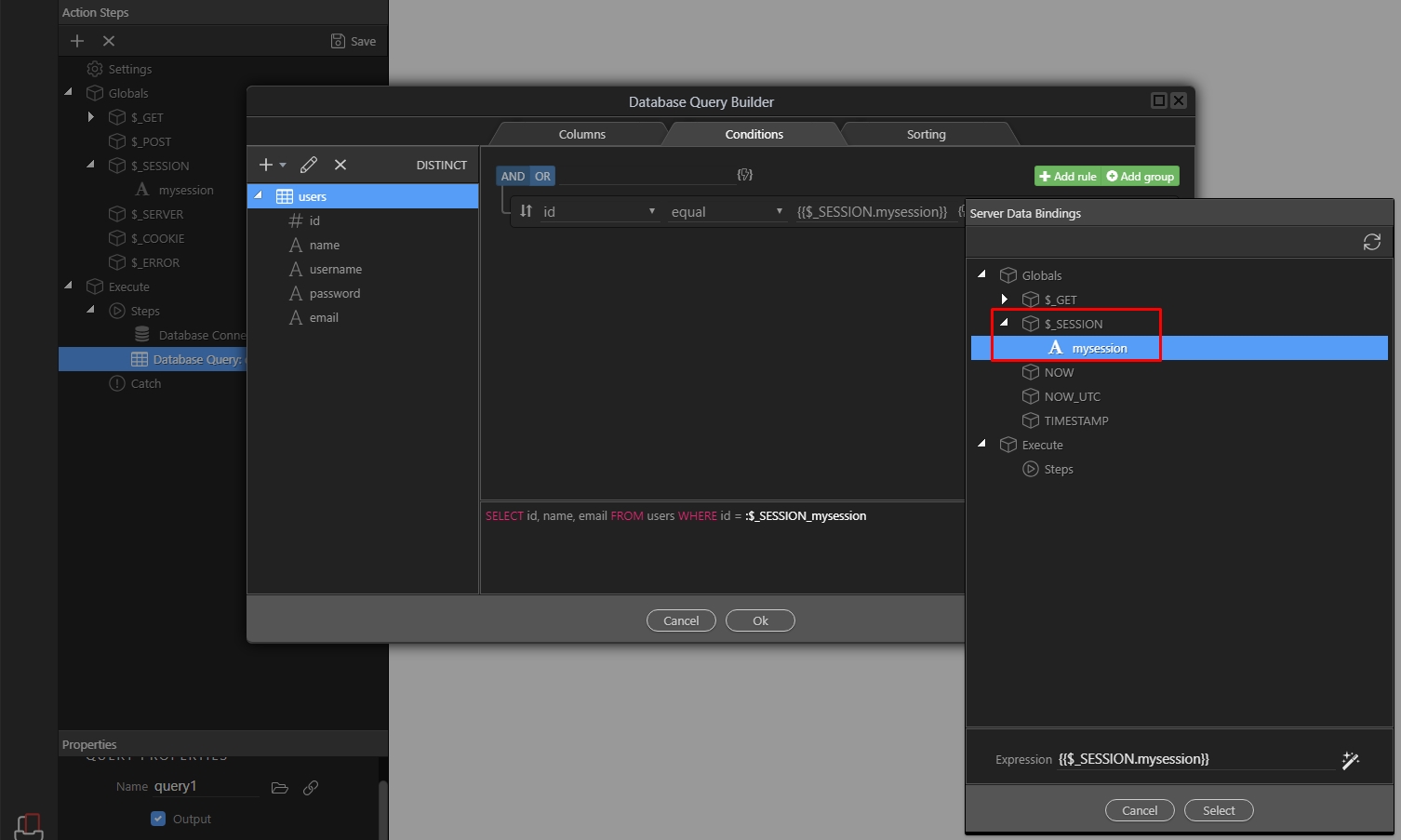
Using Session Variables
In Server Connect you can define, use and re-use Session Variables. Once you define your session variables, they become available to choose in the dynamic data picker. Defining a session variable is e
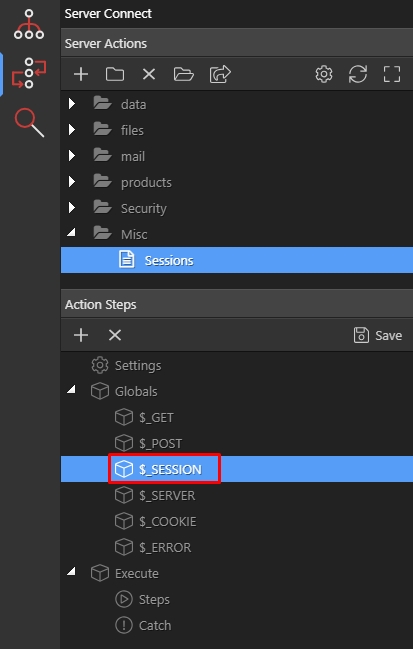
Defining a session variable is easy. In your server action, under Globals you will find $_Session:
Section titled “Defining a session variable is easy. In your server action, under Globals you will find $_Session:”In Server Connect you can define, use and re-use Session Variables. Once you define your session variables, they become available to choose in the dynamic data picker.
Defining a session variable is easy. In your server action, under Globals you will find $_Session:
Right click it, and add Variable:
Section titled “Right click it, and add Variable:”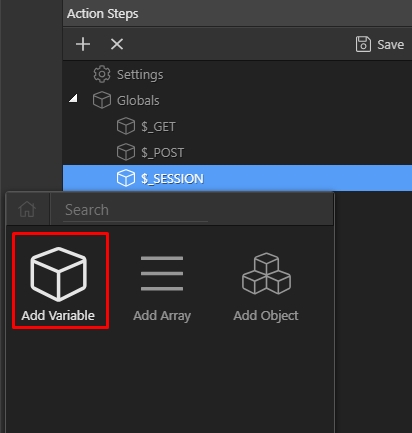
Then add a name for this variable- this is your session variable name:
Section titled “Then add a name for this variable- this is your session variable name:”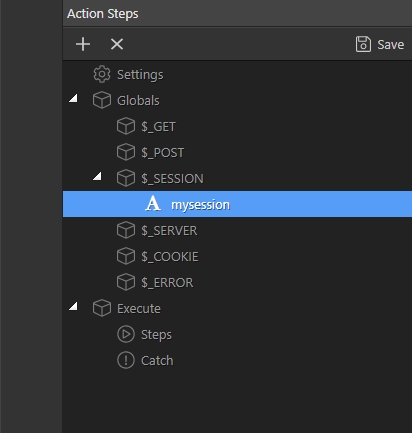
Step 4
Section titled “Step 4”This can also be an existing session, created in some other script which you want to use in your server actions.
After you define it, the session becomes available in the dynamic data picker dialog, so you can use it wherever you need its value: