Adding Project Default Frameworks
You can select default frameworks to be included on every new page you create in your project. This can be used for Web, Mobile and Desktop Projects. Selecting Default Frameworks Click on the project
Step 1
Section titled “Step 1”You can select default frameworks to be included on every new page you create in your project. This can be used for Web, Mobile and Desktop Projects.
Selecting Default Frameworks
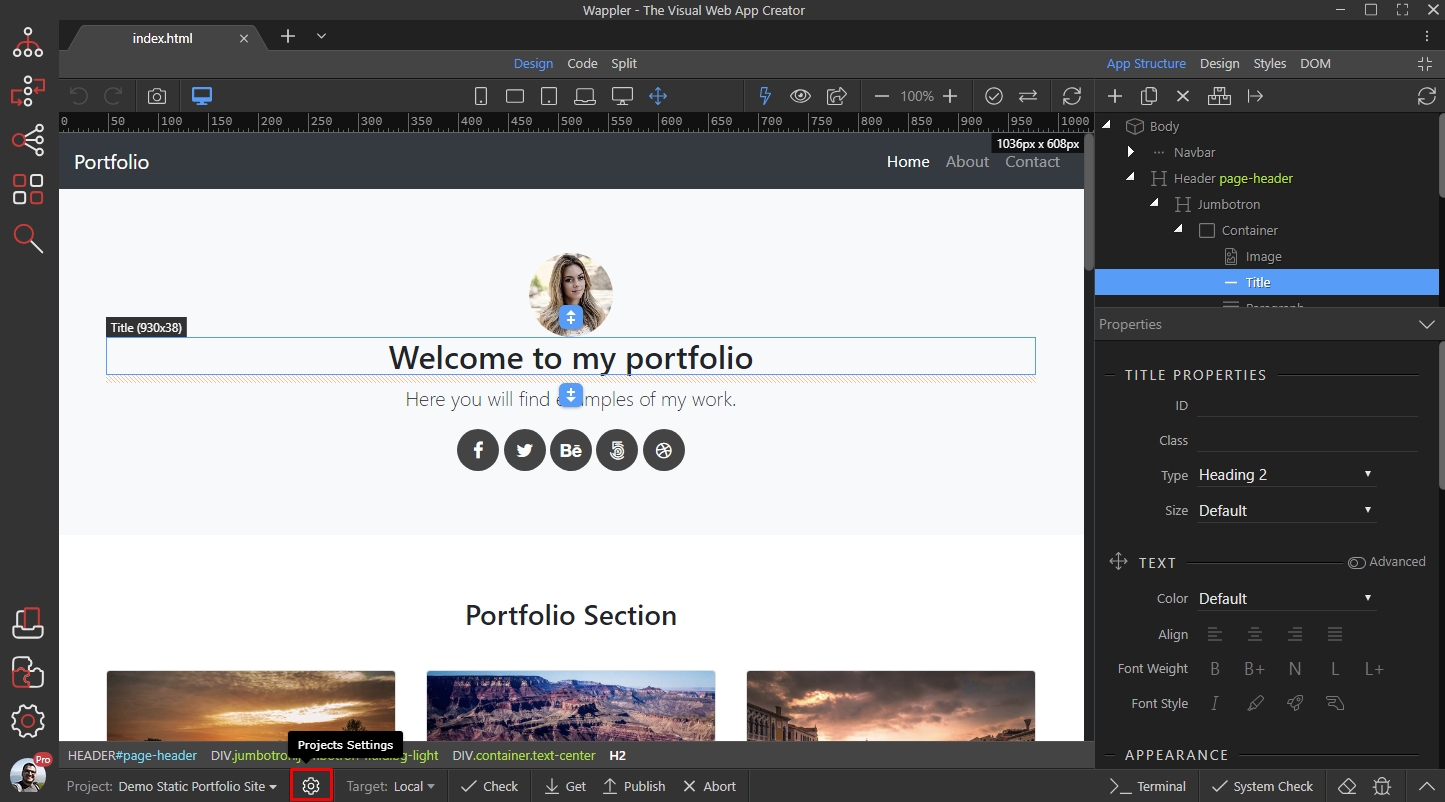
Section titled “Selecting Default Frameworks”Click on the project settings icon:
Select the Frameworks menu:
Section titled “Select the Frameworks menu:”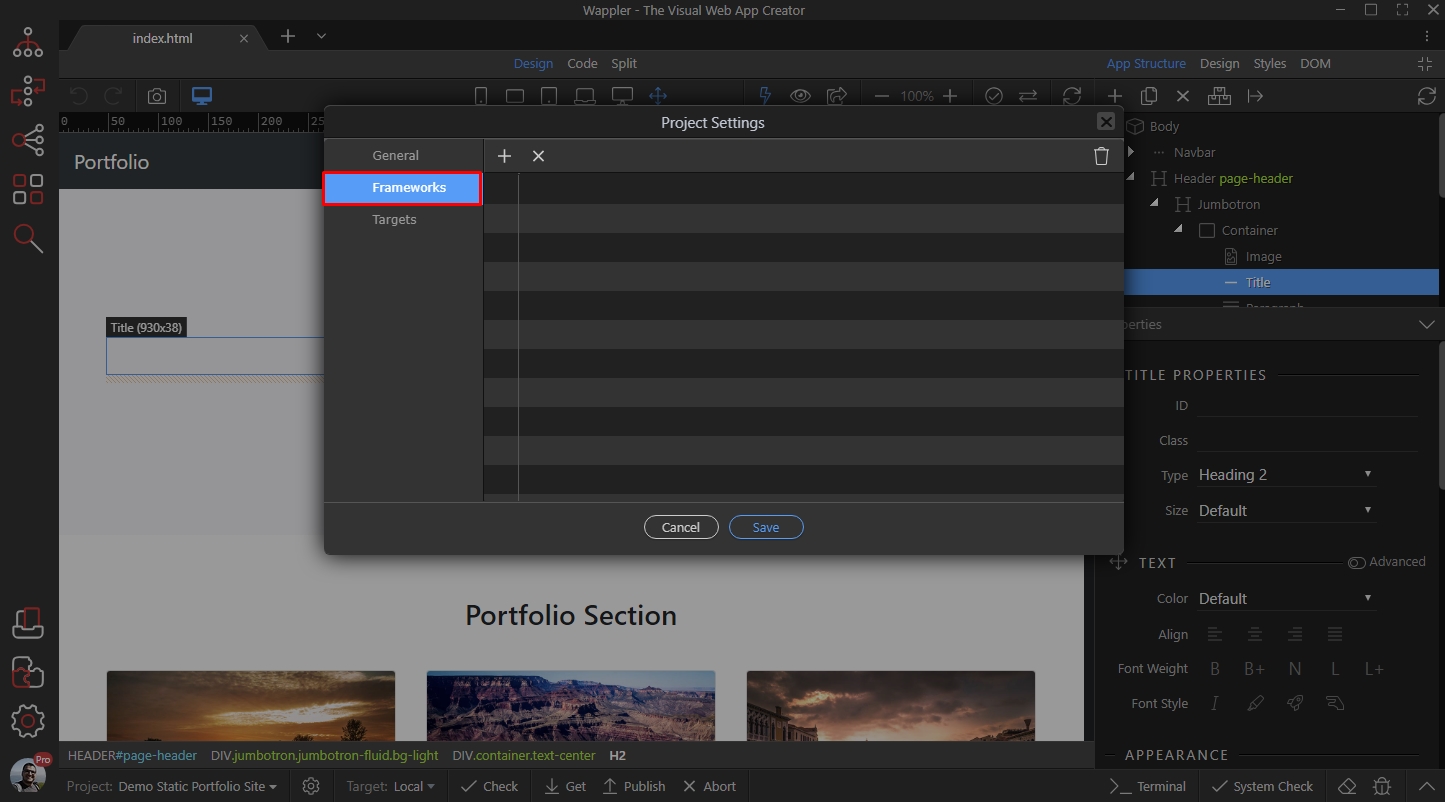
And then click the Add New button:
Section titled “And then click the Add New button:”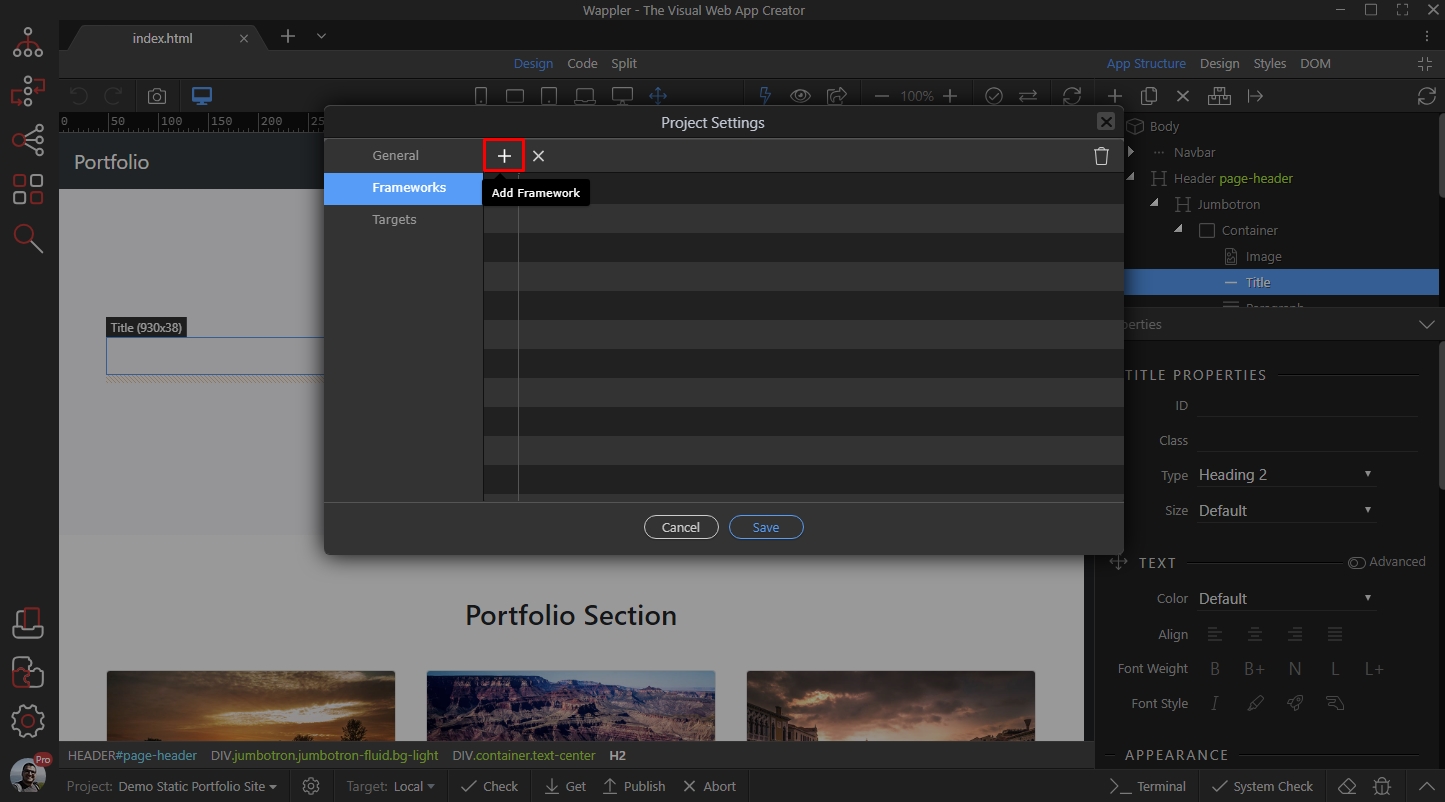
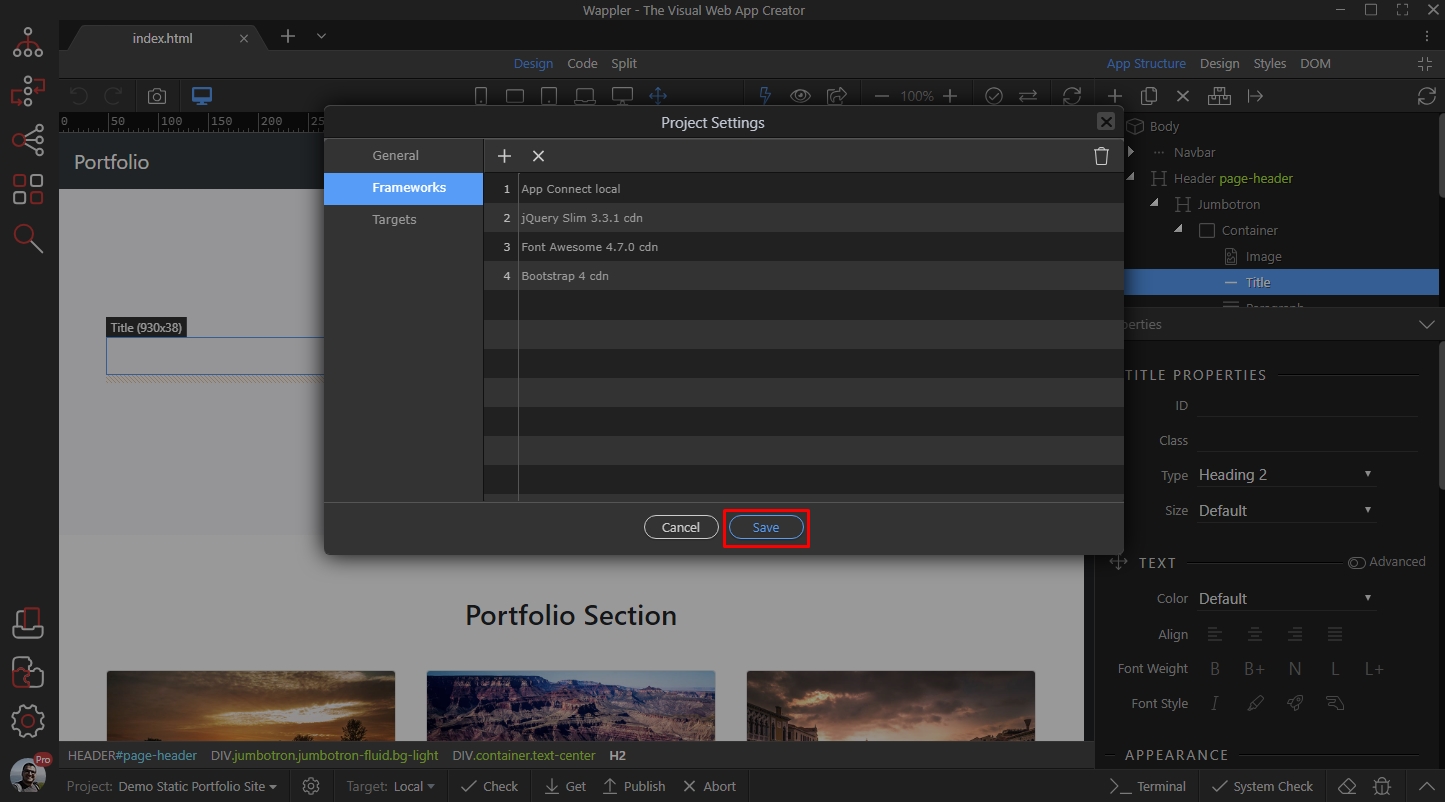
Select the frameworks and include options (local/CDN) to be auto included on every page you create:
Section titled “Select the frameworks and include options (local/CDN) to be auto included on every page you create:”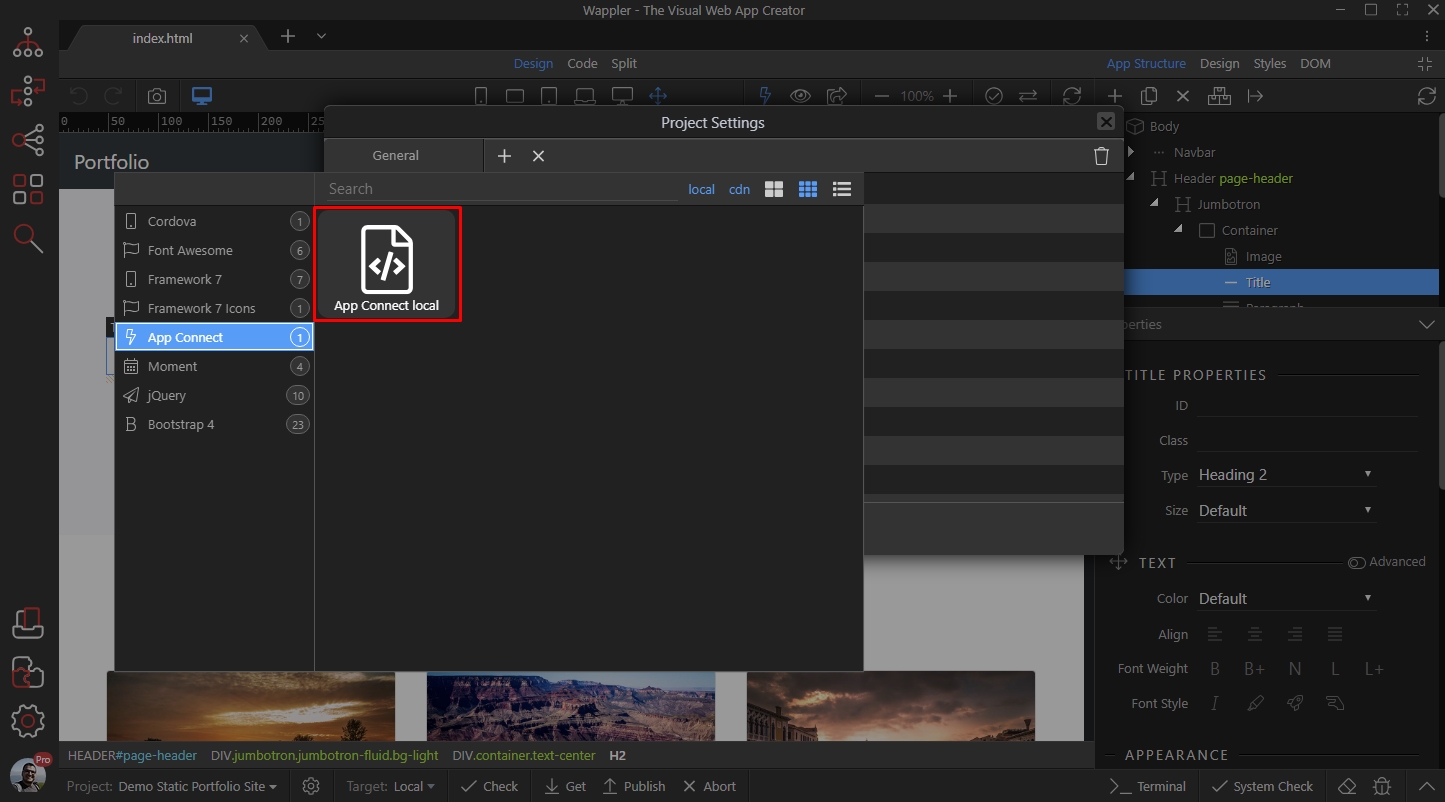
Click the save button, when you are done:
Section titled “Click the save button, when you are done:”