Styling Bootstrap 4 Buttons
Sometimes the available Bootstrap 4 button styles may not suit your page design, so you need to customize them. That can easily be done using the Design panel in Wappler. We created our page layout an
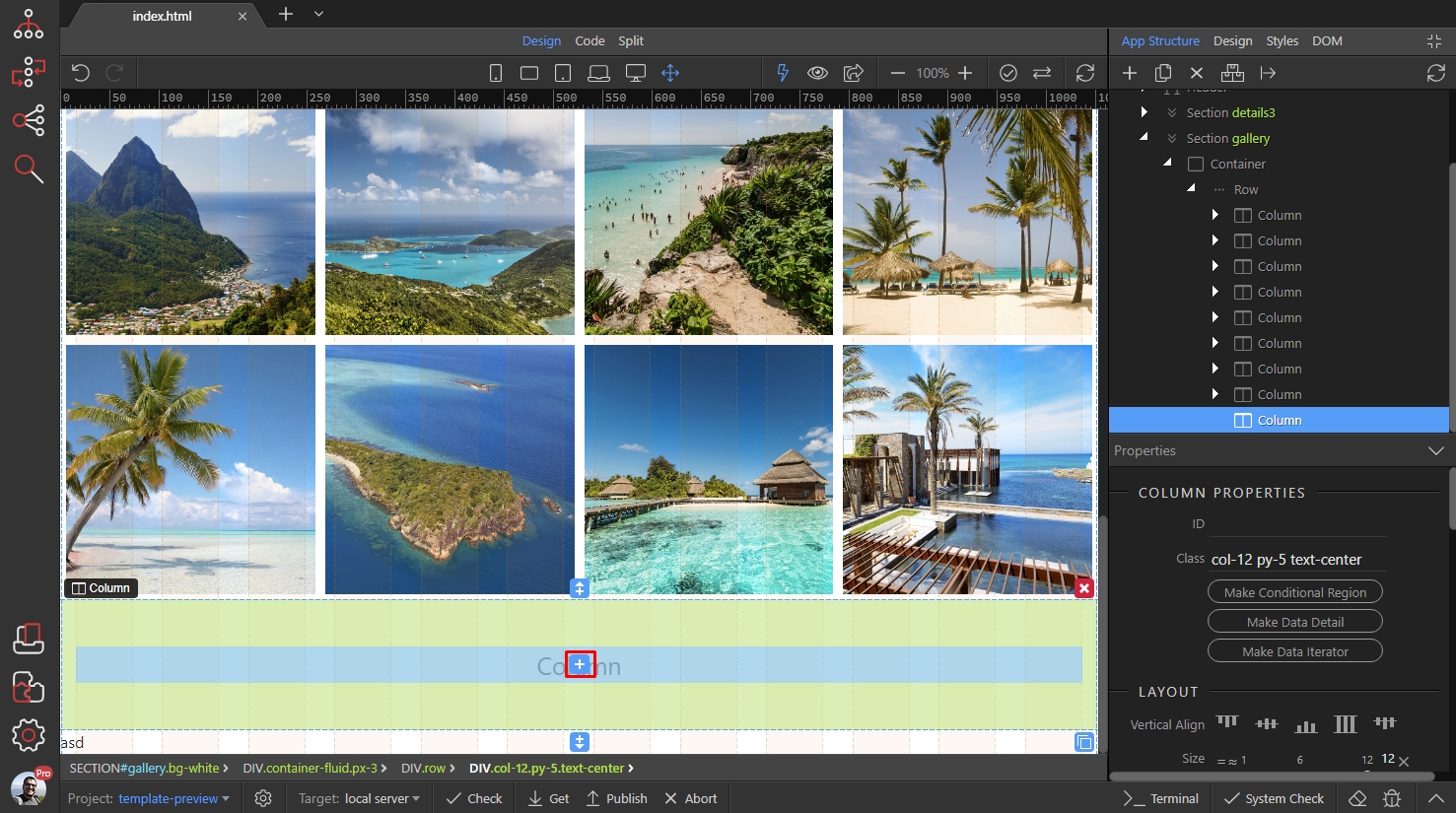
We created our page layout and we need to add a button. Click the Insert icon on your page:
Section titled “We created our page layout and we need to add a button. Click the Insert icon on your page:”Sometimes the available Bootstrap 4 button styles may not suit your page design, so you need to customize them. That can easily be done using the Design panel in Wappler.
We created our page layout and we need to add a button. Click the Insert icon on your page:
Select Button:
Section titled “Select Button:”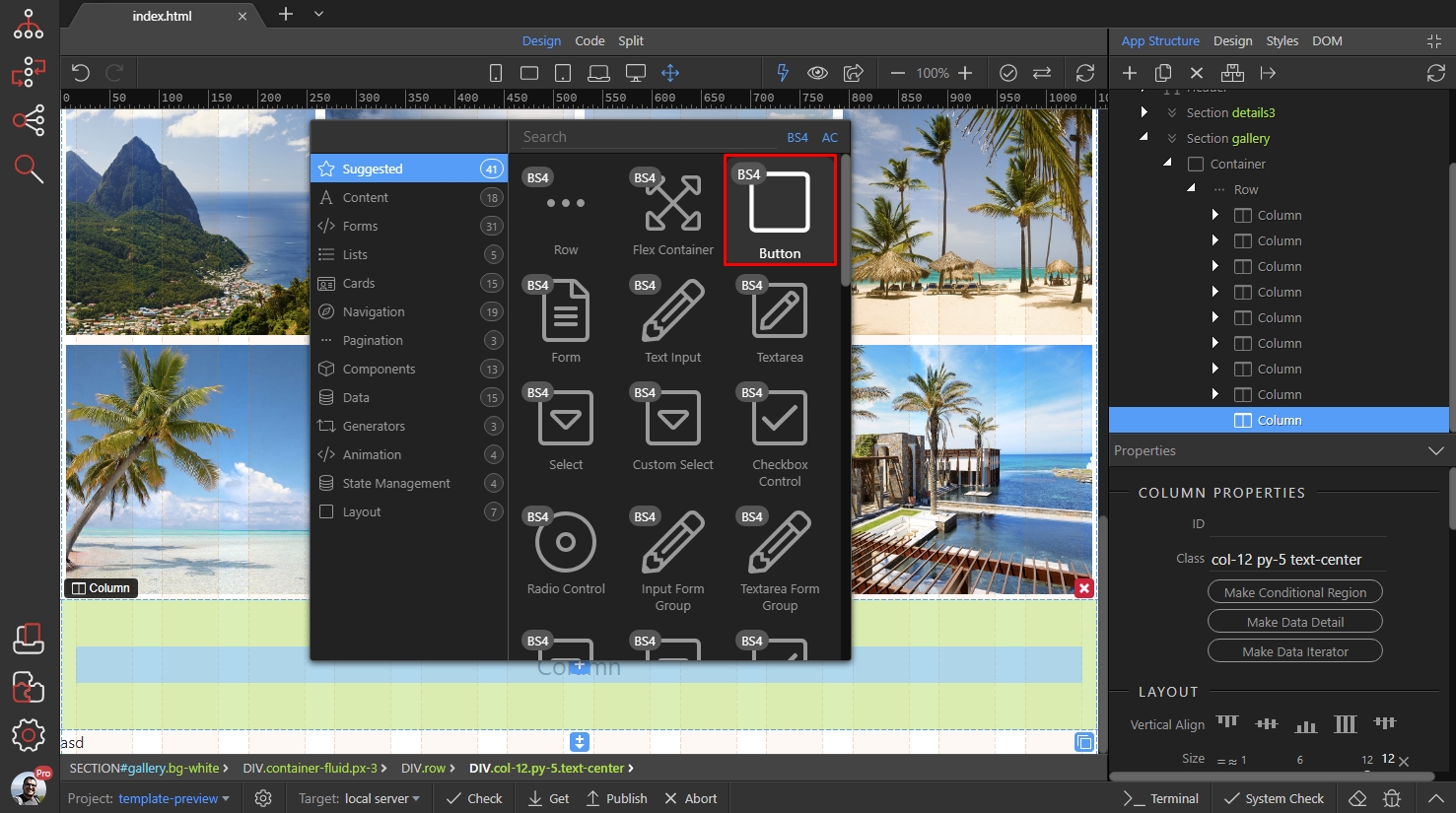
We leave the button style to ‘Default’ and switch to Design Panel:
Section titled “We leave the button style to ‘Default’ and switch to Design Panel:”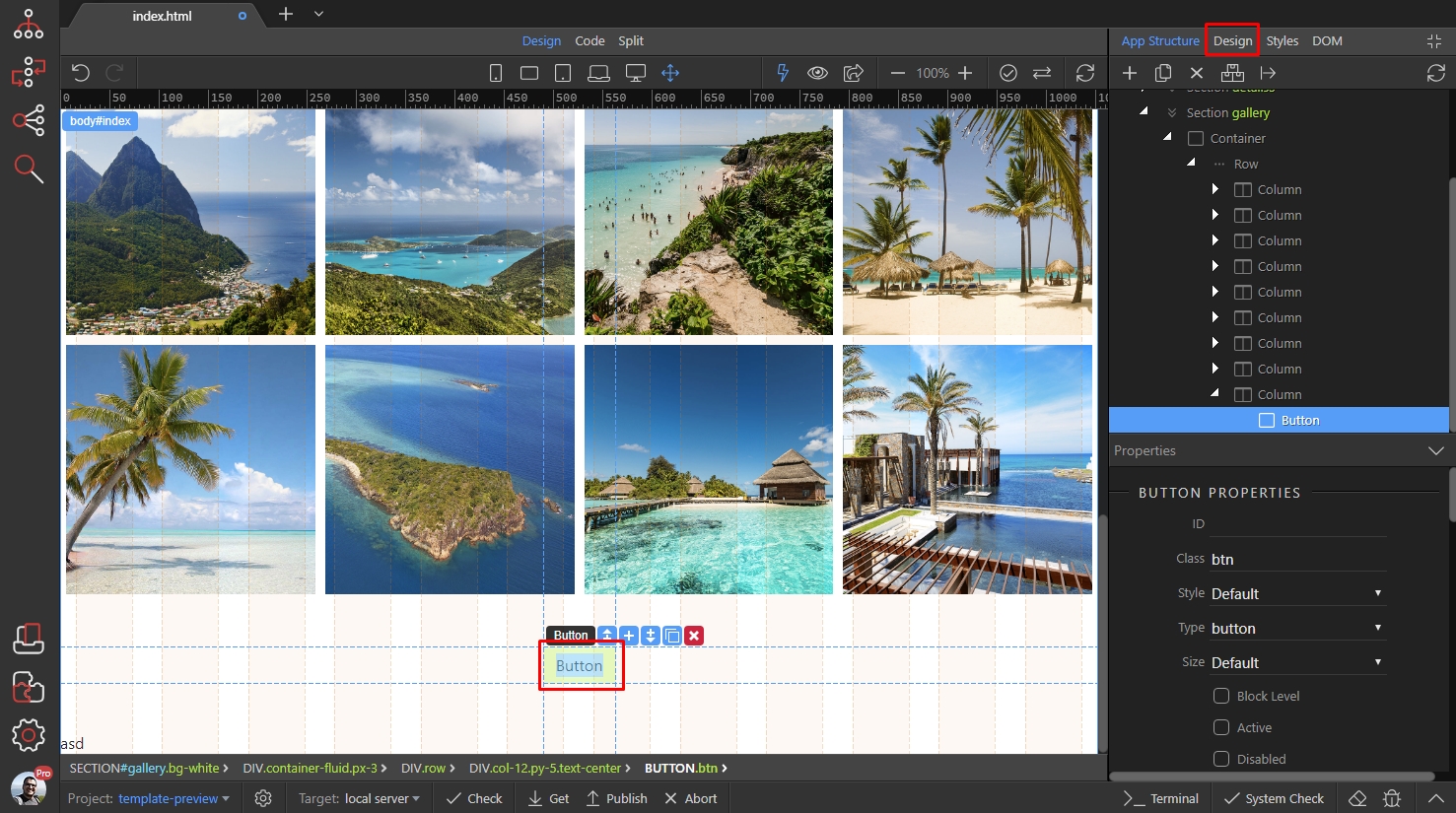
We want to change the background color, color and border radius of the button.
Section titled “We want to change the background color, color and border radius of the button.”First, scroll down the Design Panel to the Background section. Click the color picker to select a background color:
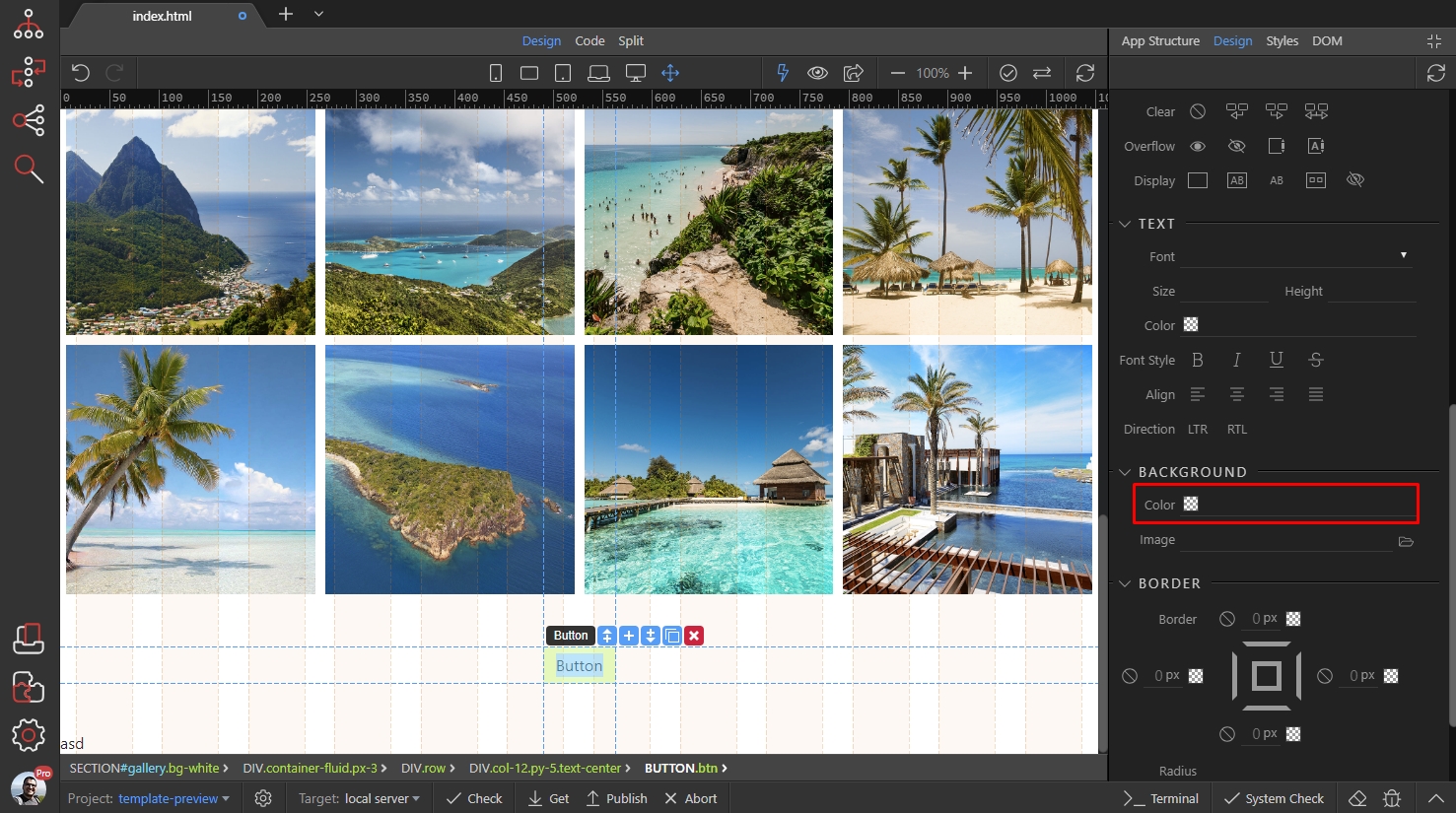
We select a nice pink color for the background:
Section titled “We select a nice pink color for the background:”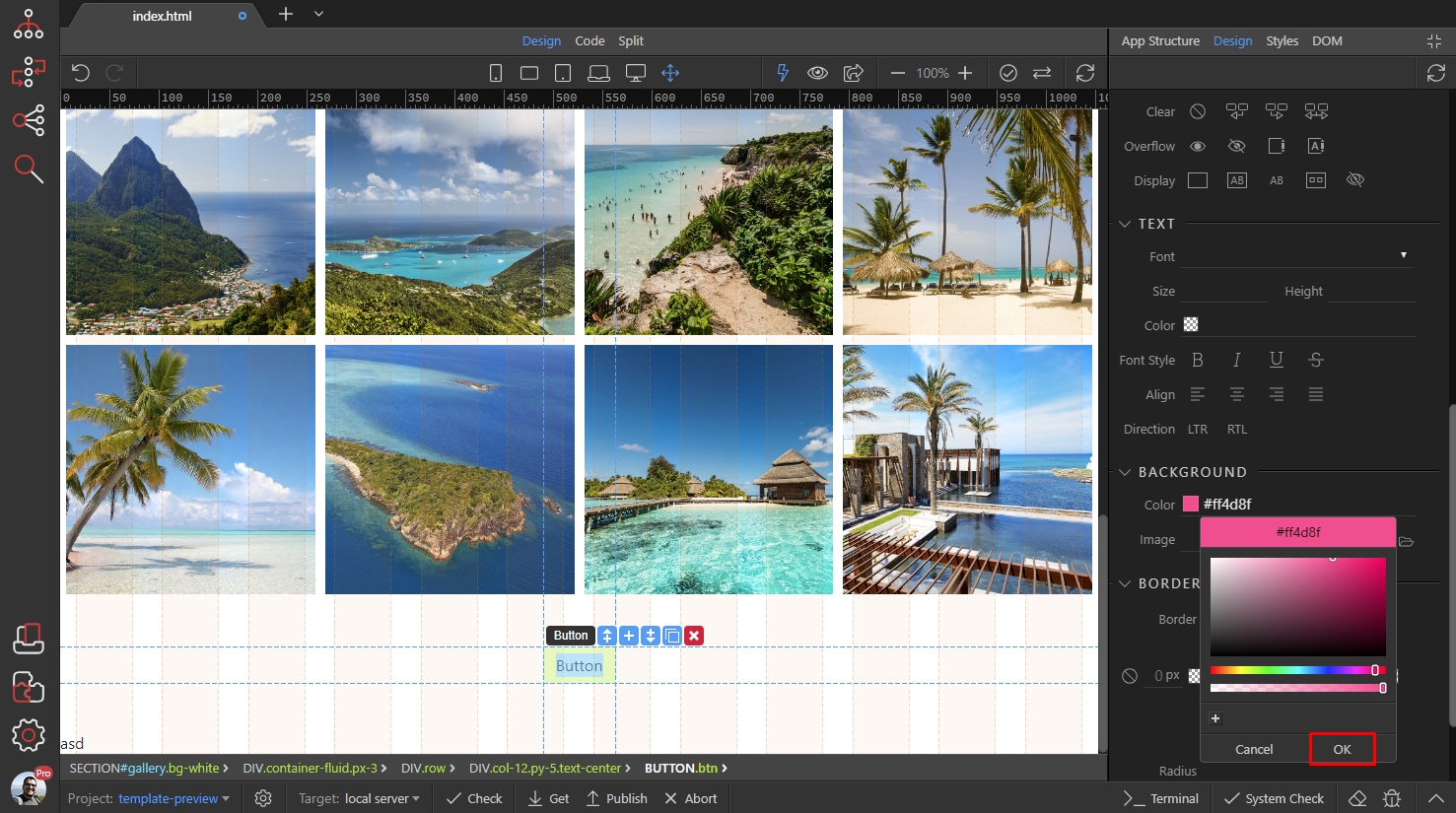
Then let’s select the button text color:
Section titled “Then let’s select the button text color:”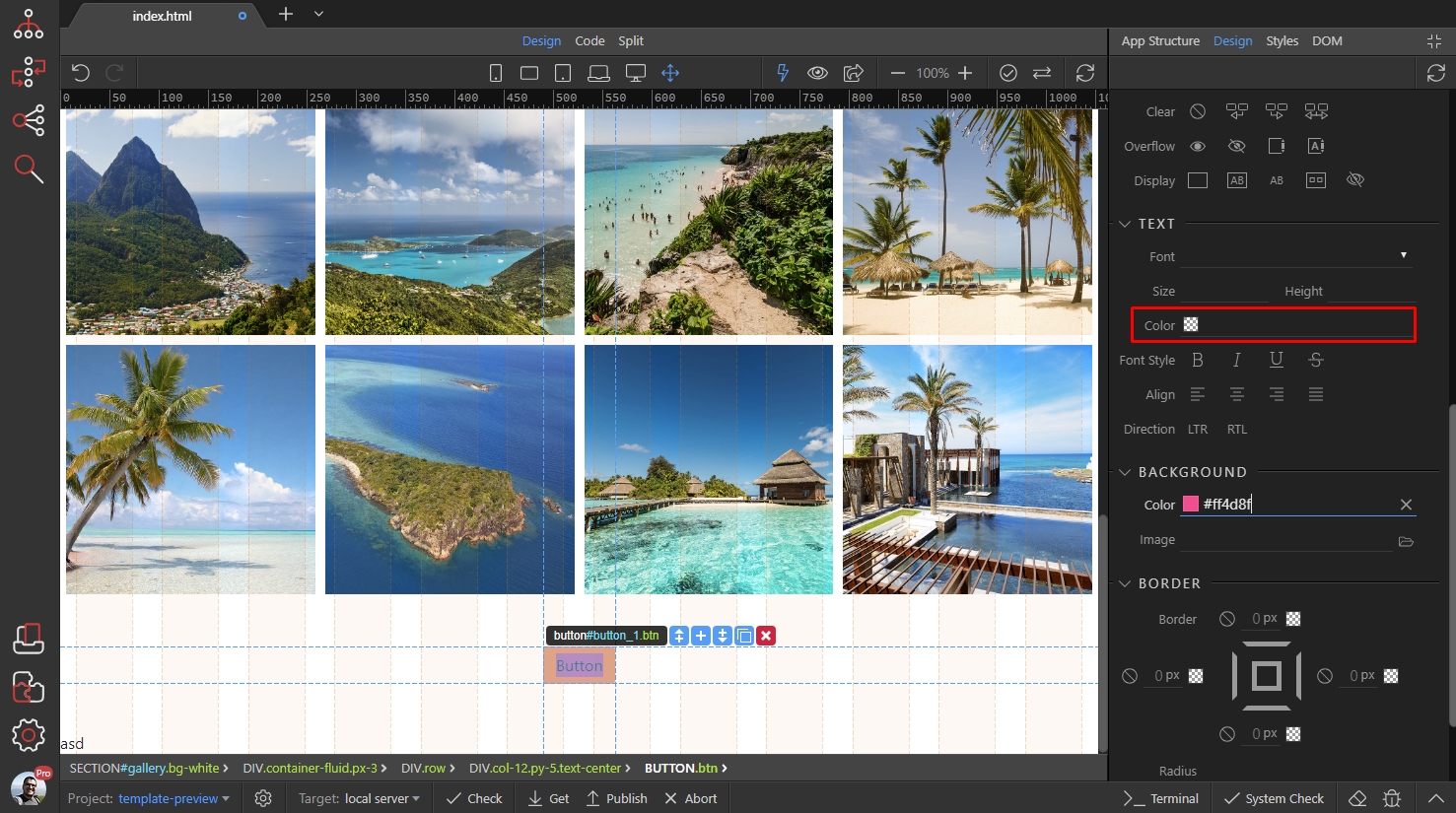
We set this it to white:
Section titled “We set this it to white:”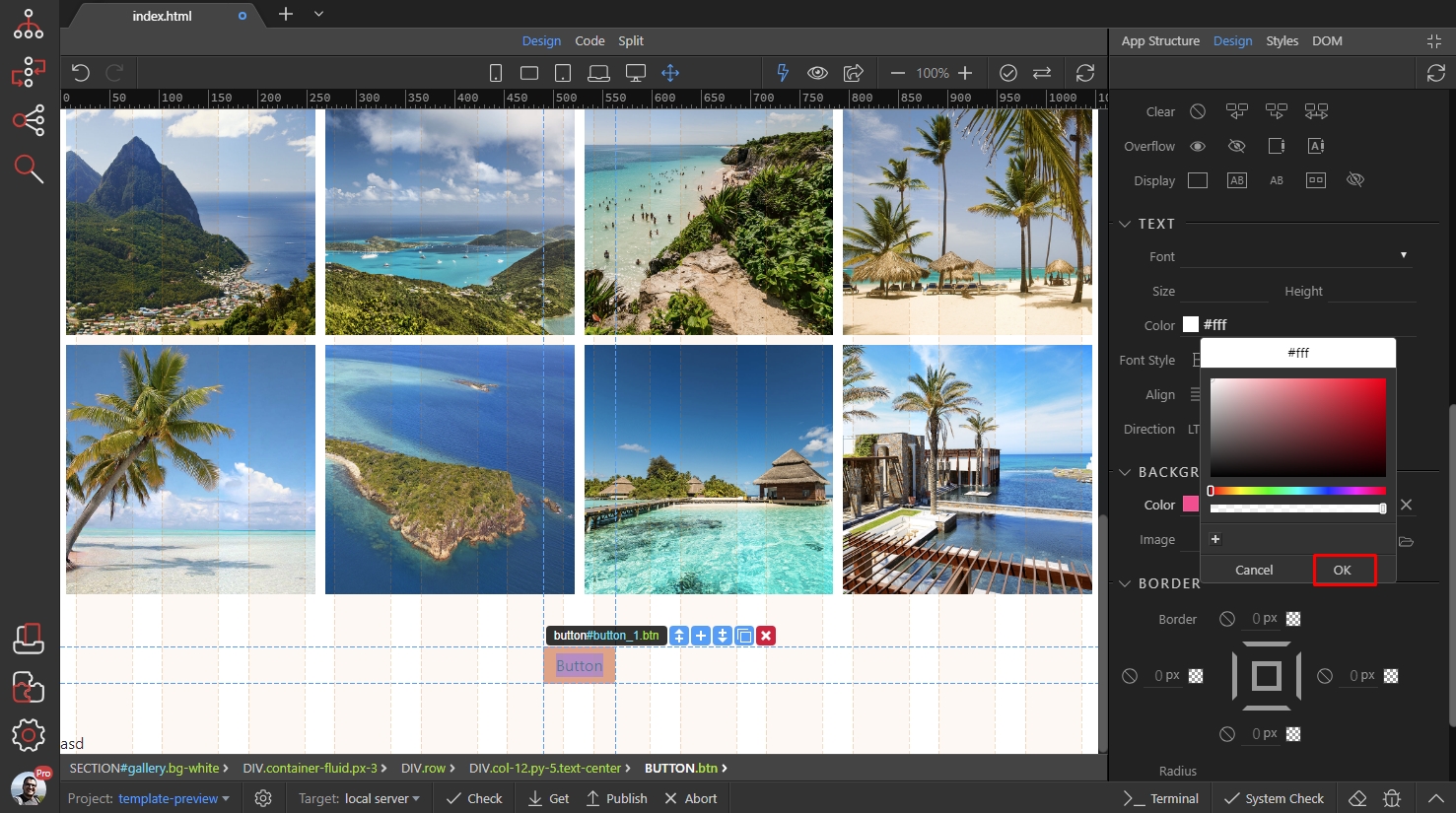
Then scroll down to the border radius tools:
Section titled “Then scroll down to the border radius tools:”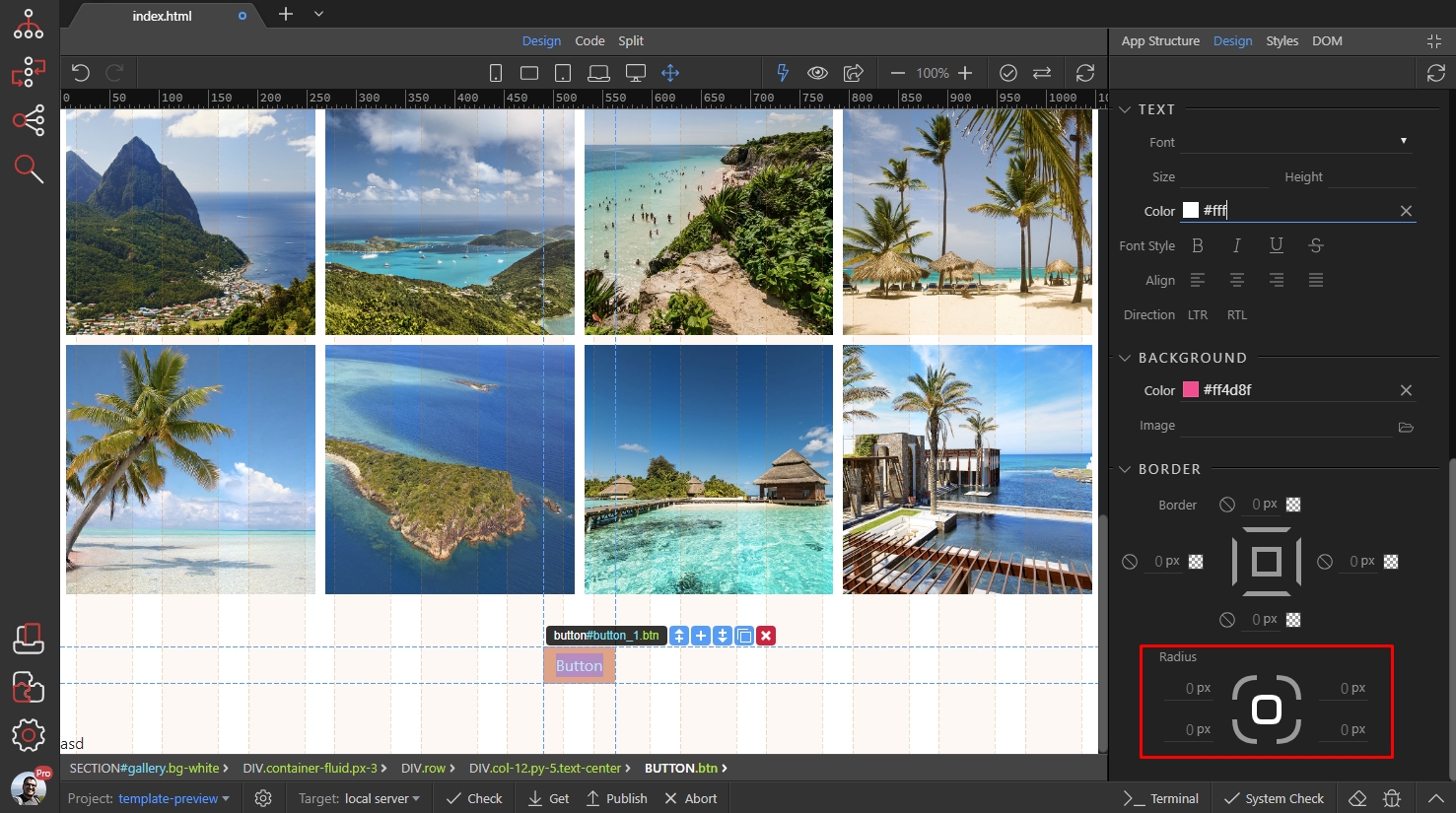
Drag the inner handle, as it controls all the borders radius values simultaneously. We drag it to 0px:
Section titled “Drag the inner handle, as it controls all the borders radius values simultaneously. We drag it to 0px:”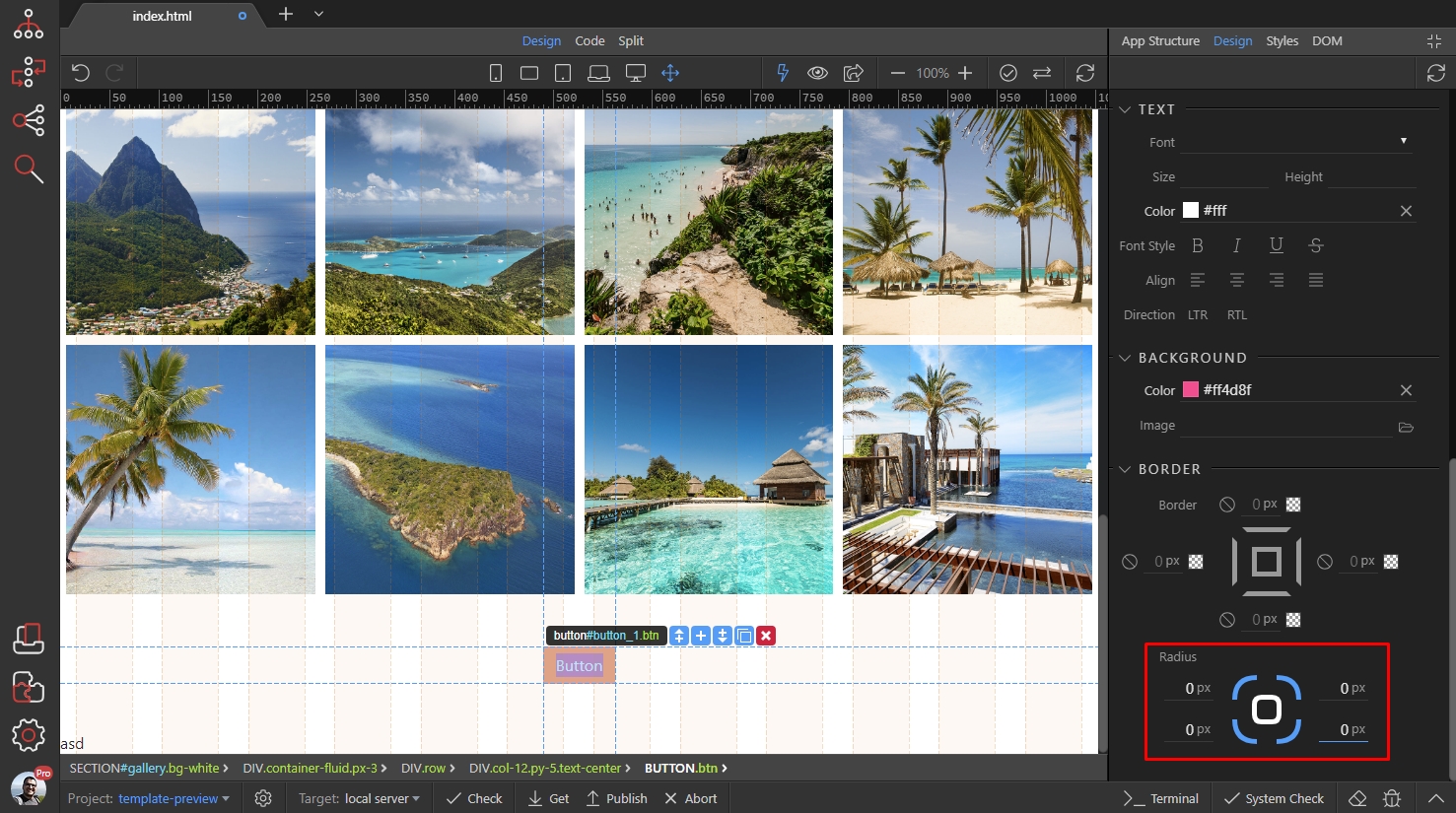
Step 10
Section titled “Step 10”We have our button styles set up, now let’s customize the styles for when we hover it. Scroll up and at the top of Design Panel select the hover state:
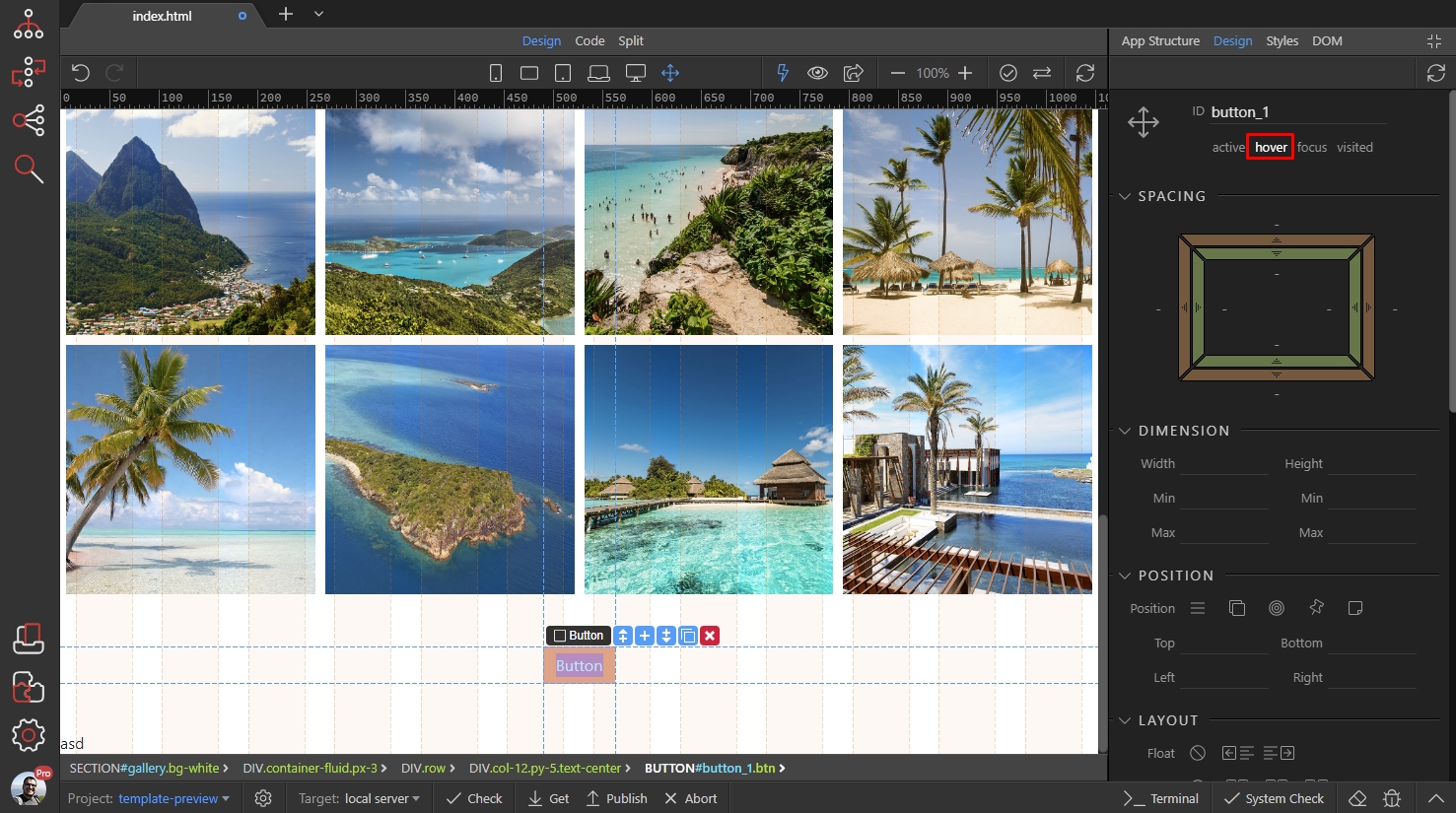
Now we are designing for when the button is hovered. We want to change the text color and background color:
Section titled “Now we are designing for when the button is hovered. We want to change the text color and background color:”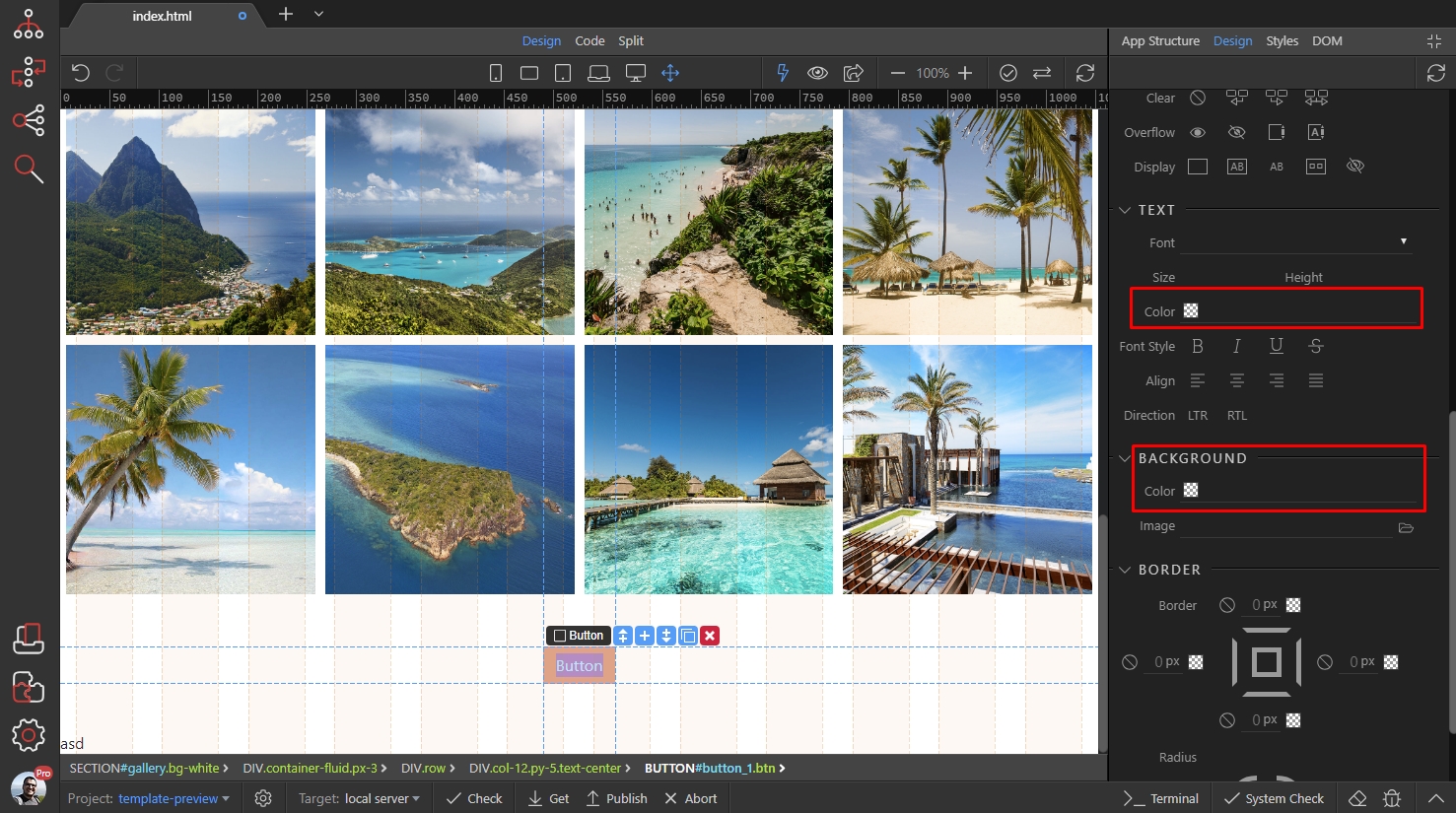
Select the colors you want to use on hover and save your page:
Section titled “Select the colors you want to use on hover and save your page:”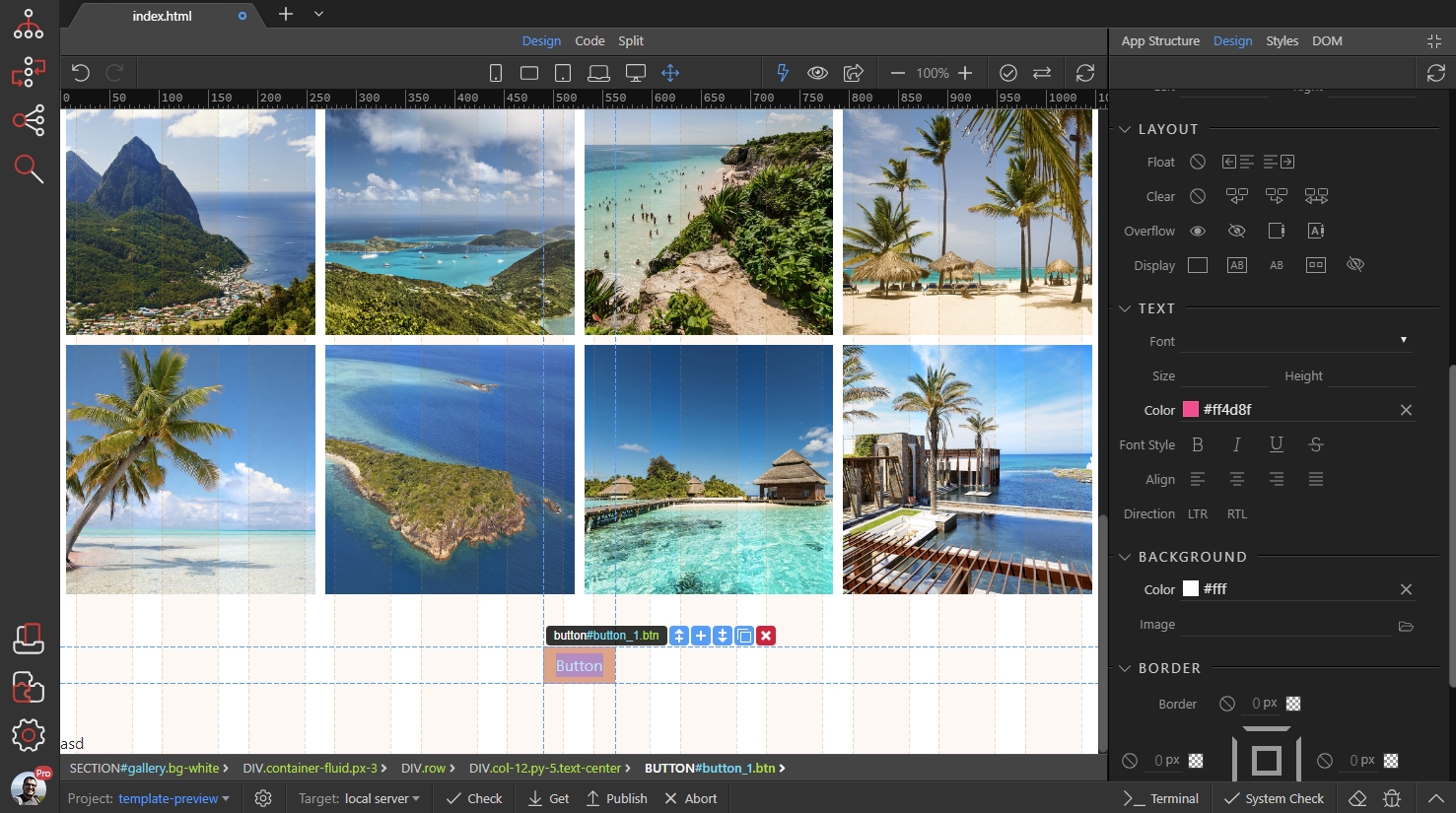
Here’s the result - the default style of this button has been changed to our own style:
Section titled “Here’s the result - the default style of this button has been changed to our own style:”