
Using Font Awesome 5 Pro
If you purchased a license for Font Awesome 5 Pro, there are two ways of using it. Font Awesome 5 Pro from CDN First you need to authorize your domain to use the purchased Pro license. You can do this
If you purchased a license for Font Awesome 5 Pro, there are two ways of using it.
Section titled “If you purchased a license for Font Awesome 5 Pro, there are two ways of using it.”Font Awesome 5 Pro from CDN
Section titled “Font Awesome 5 Pro from CDN”First you need to authorize your domain to use the purchased Pro license. You can do this on Font Awesome site:

Then open the frameworks menu and select Font Awesome:
Section titled “Then open the frameworks menu and select Font Awesome:”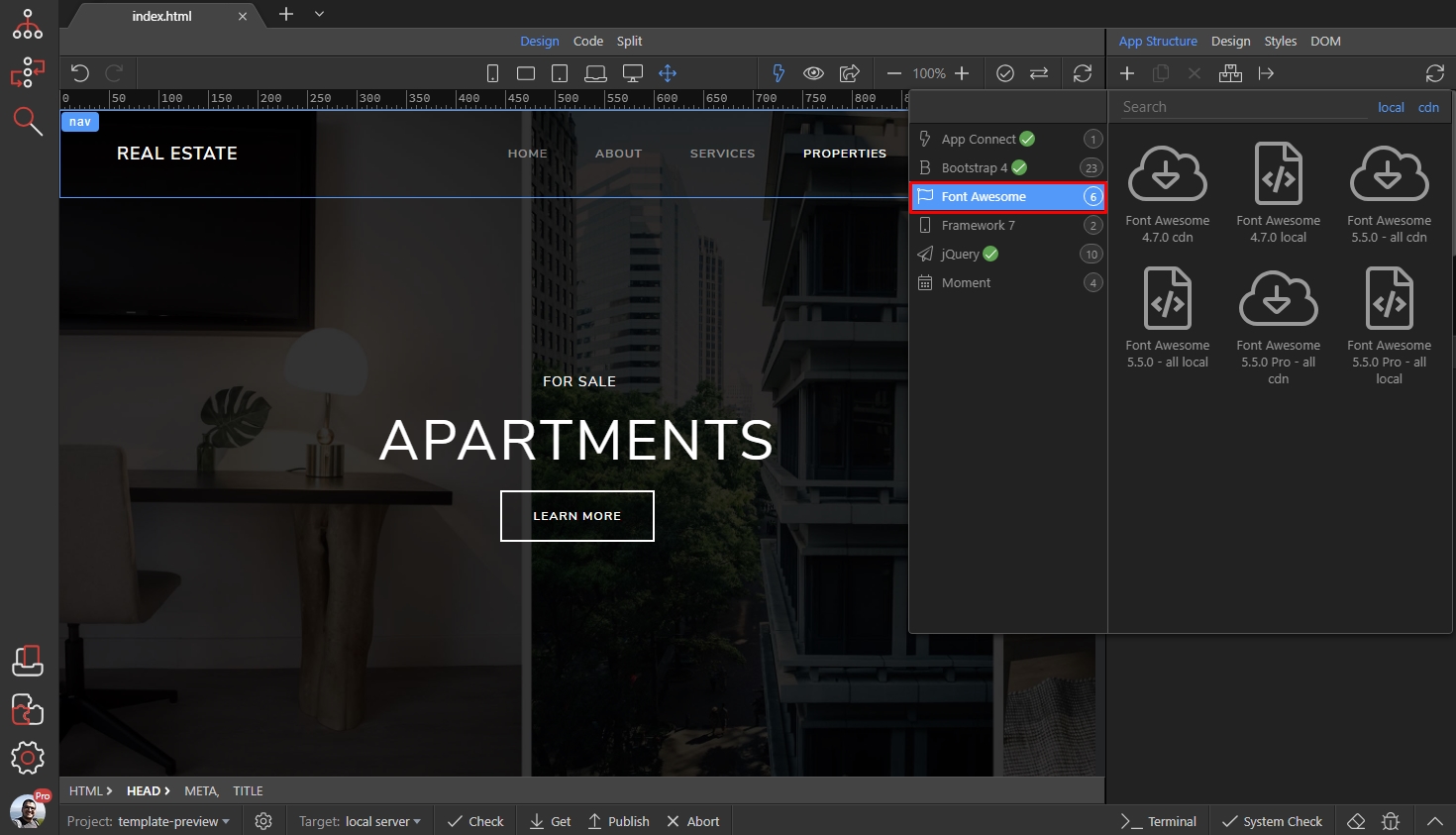
And select Font Awesome 5 Pro CDN:
Section titled “And select Font Awesome 5 Pro CDN:”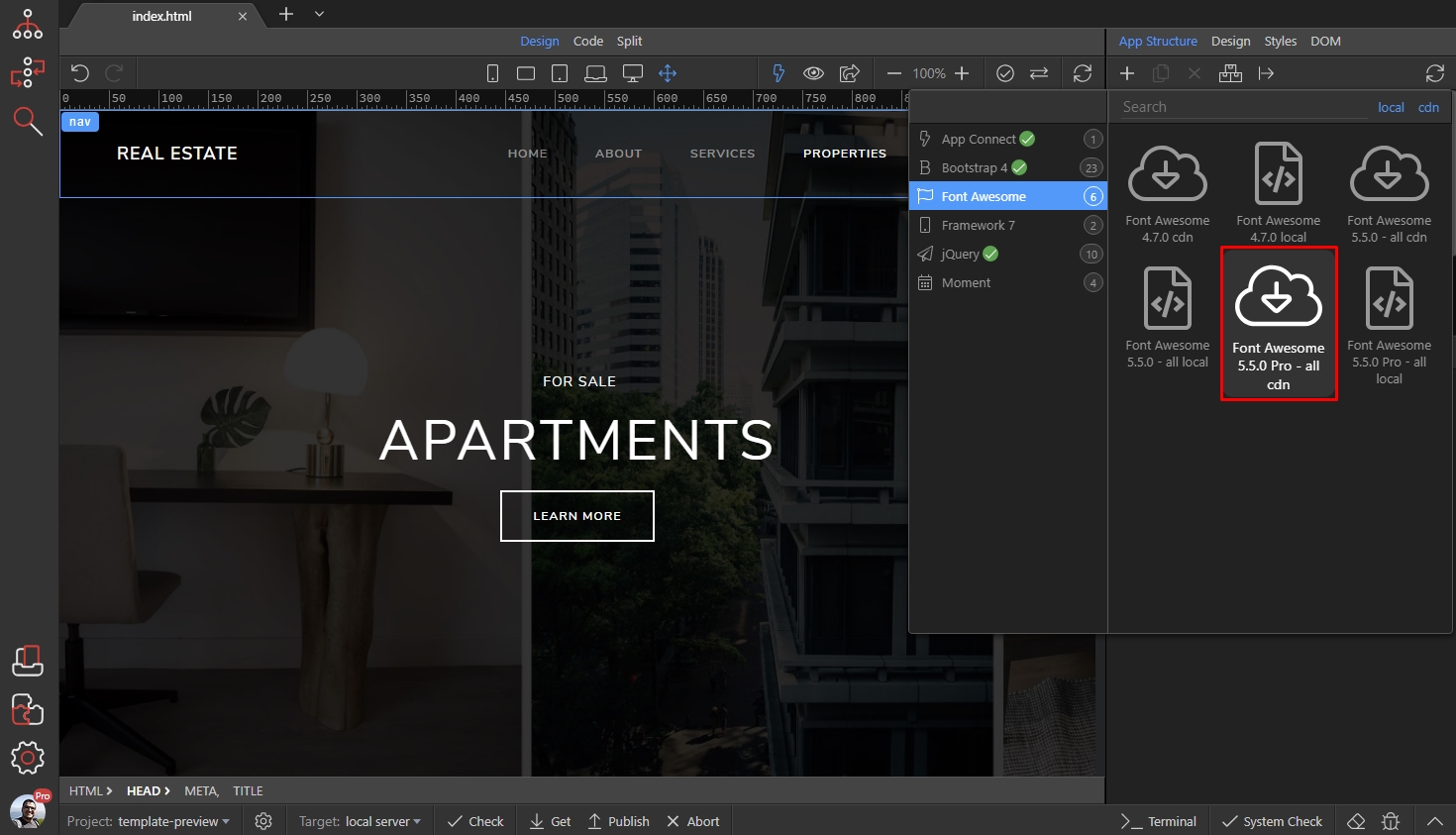
And you are done, now you can see all the icons available for Pro version:
Section titled “And you are done, now you can see all the icons available for Pro version:”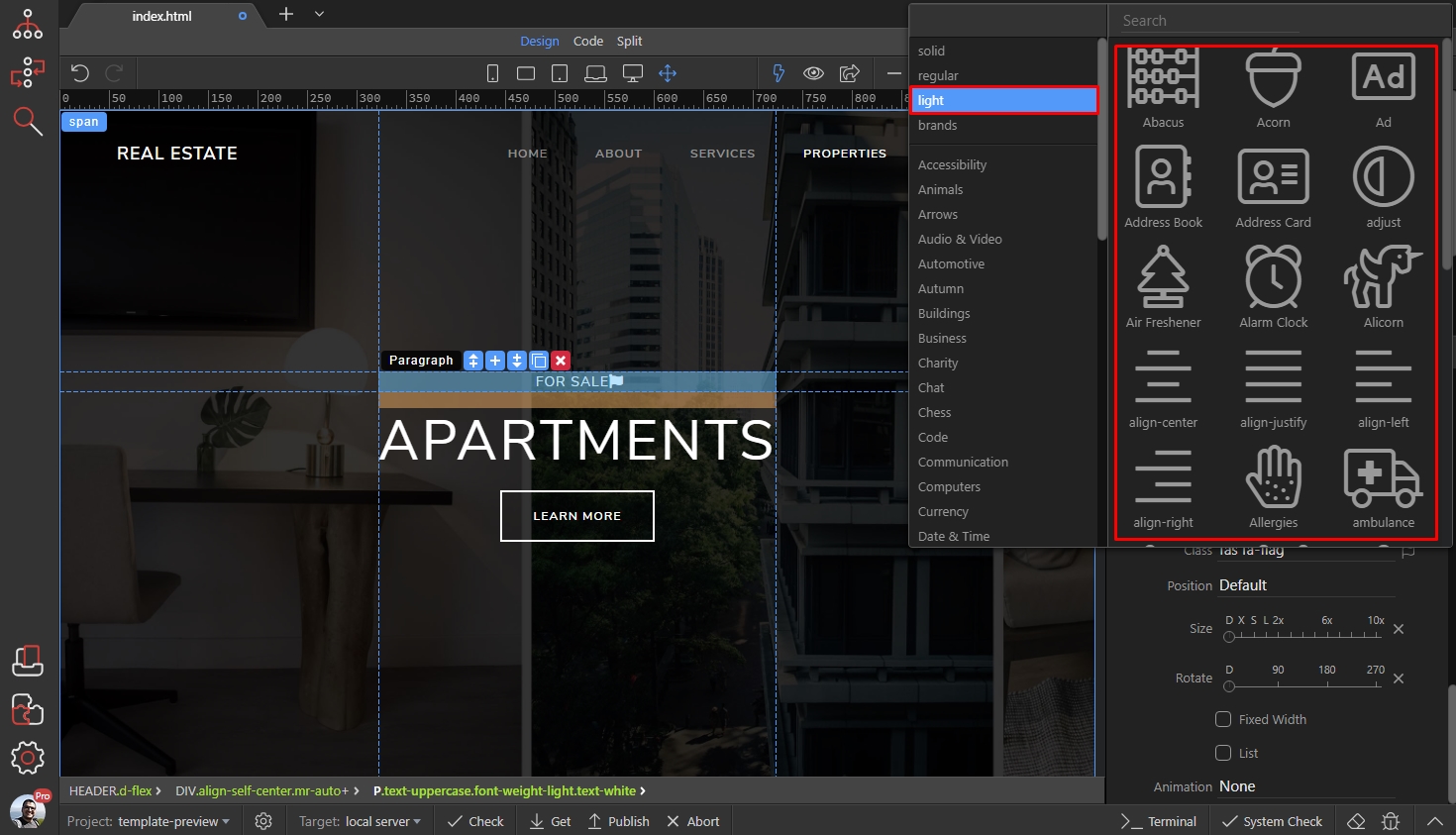
Font Awesome 5 Pro Local
Section titled “Font Awesome 5 Pro Local”If you want to use Font Awesome 5 Pro local (and not from CDN) you need to download the zip file containing the font to your computer.
Then open the frameworks menu and select Font Awesome:
And select Font Awesome 5 Pro Local:
Section titled “And select Font Awesome 5 Pro Local:”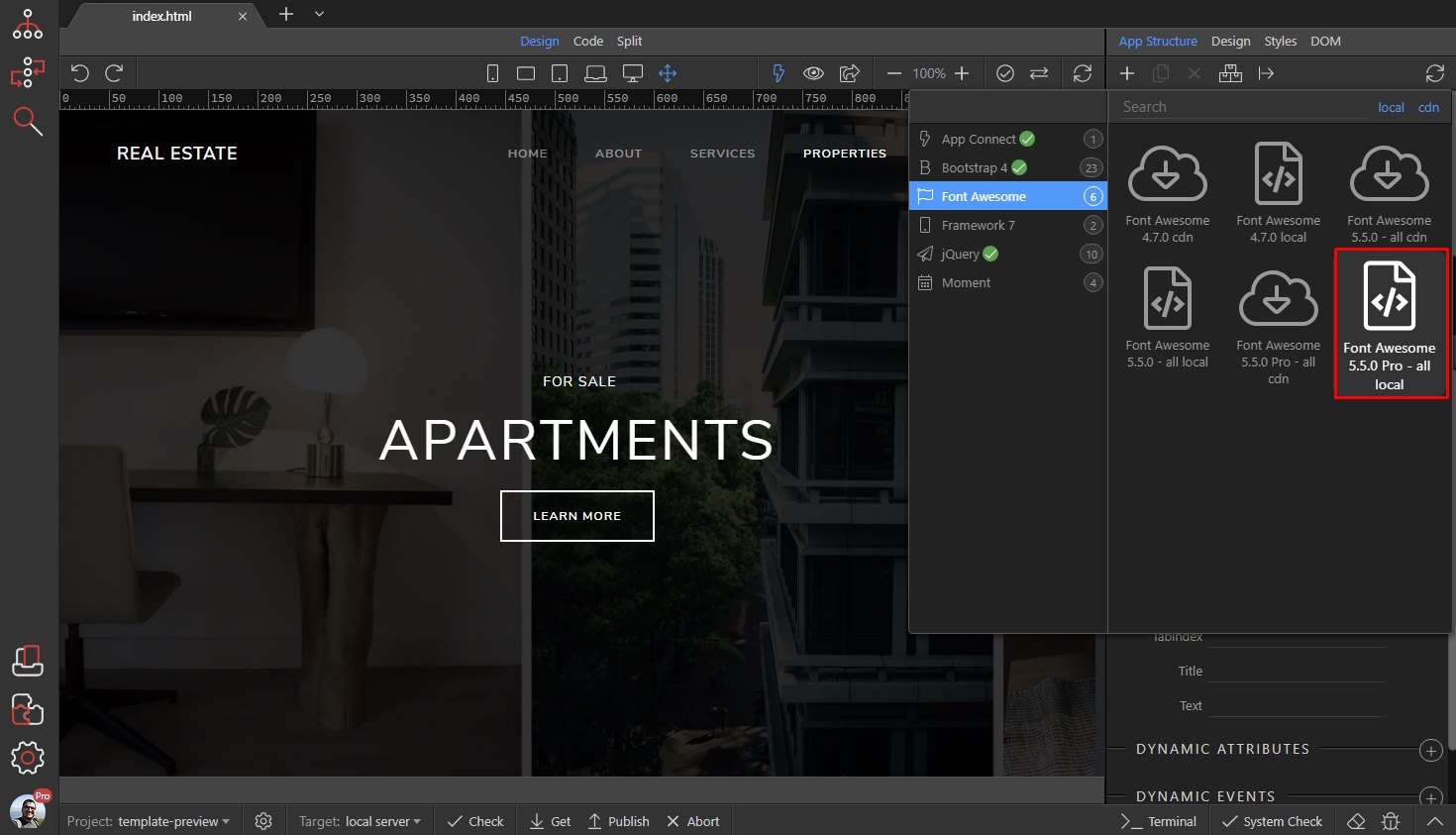
A dialog asking you if you want to install the local version, using the zip file appears, select Install:
Section titled “A dialog asking you if you want to install the local version, using the zip file appears, select Install:”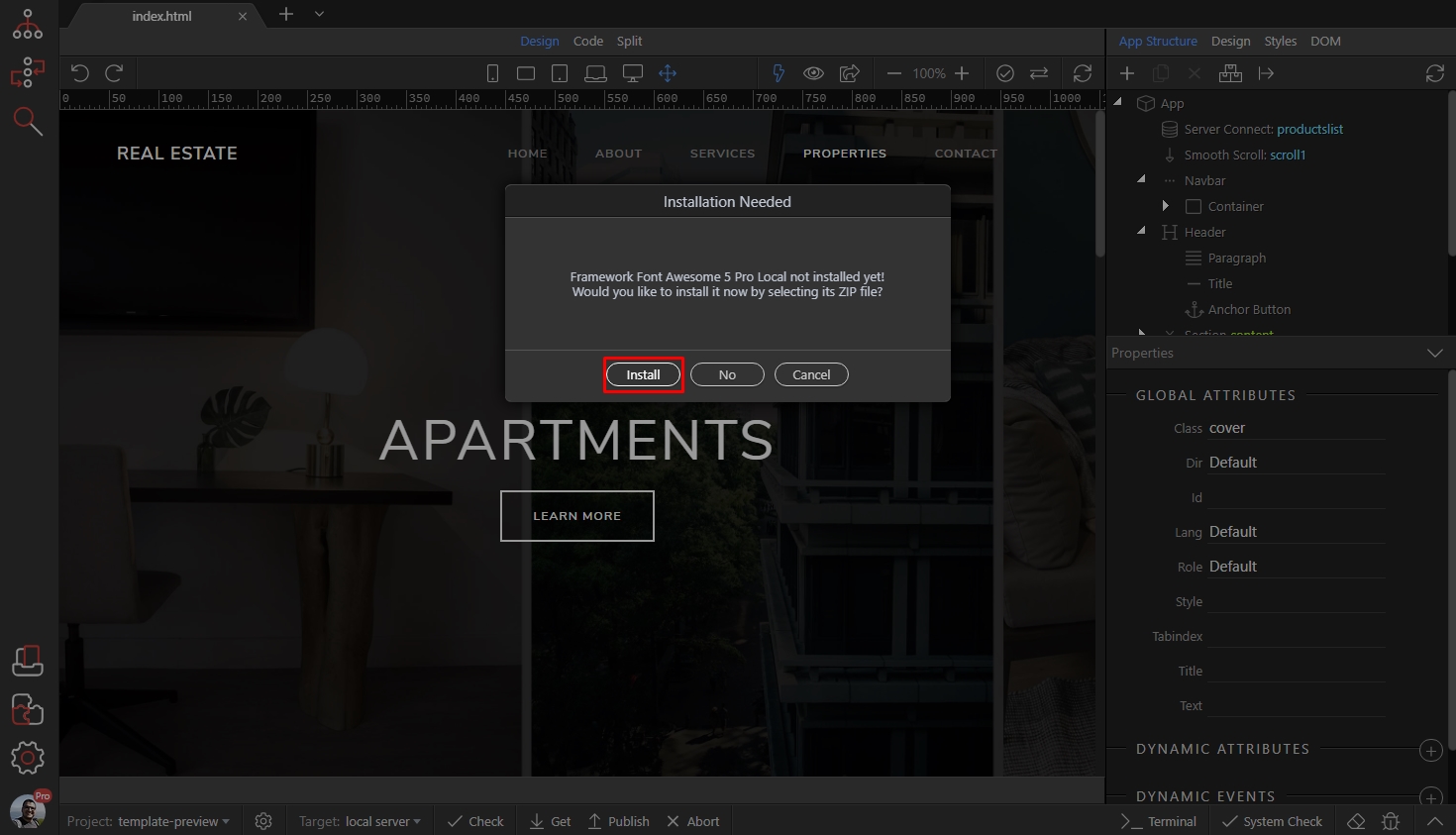
Browse to your Font Awesome 5 Pro zip file and select it:
Section titled “Browse to your Font Awesome 5 Pro zip file and select it:”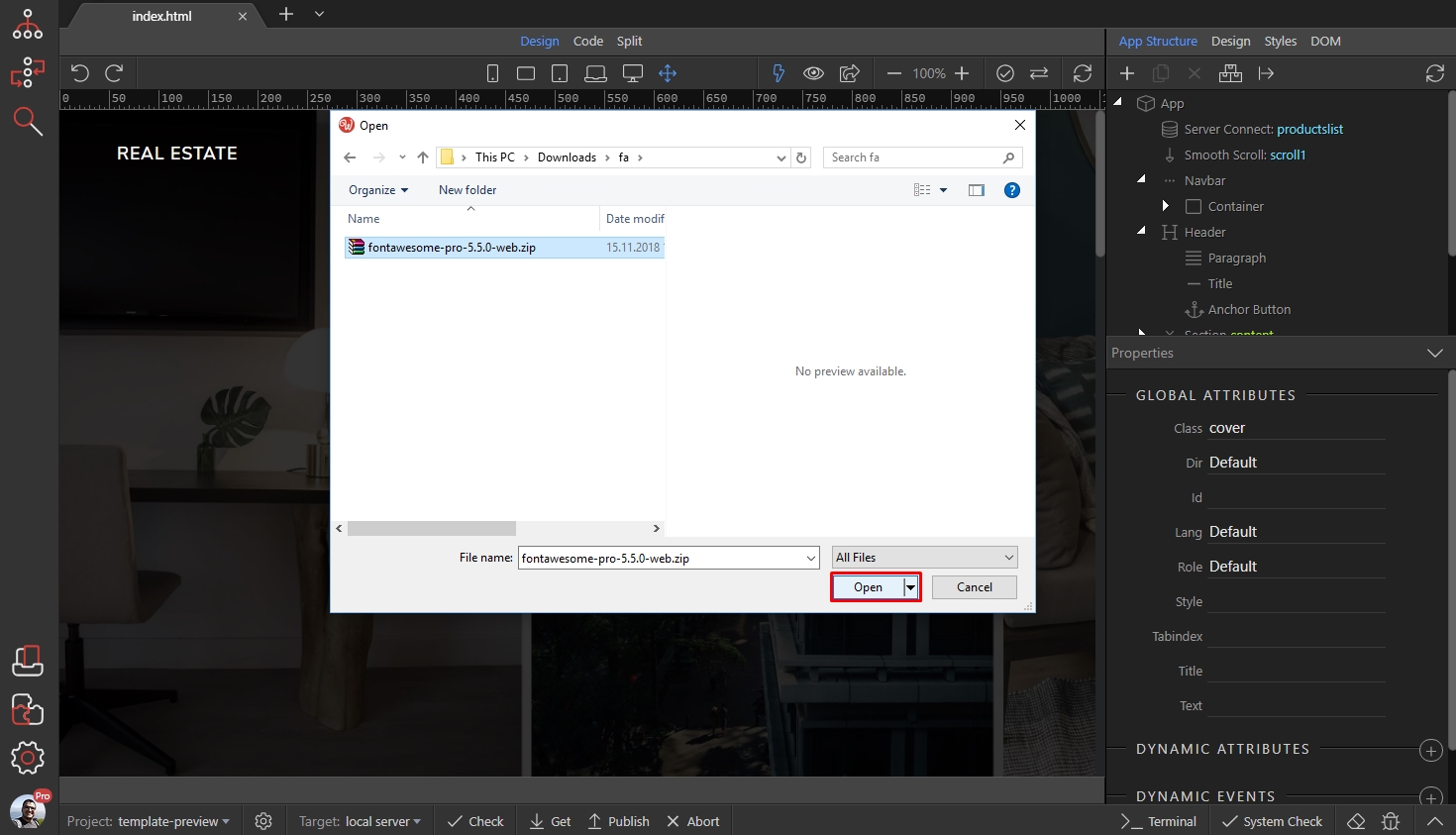
As soon as it is installed successfully you will see a notification:
Section titled “As soon as it is installed successfully you will see a notification:”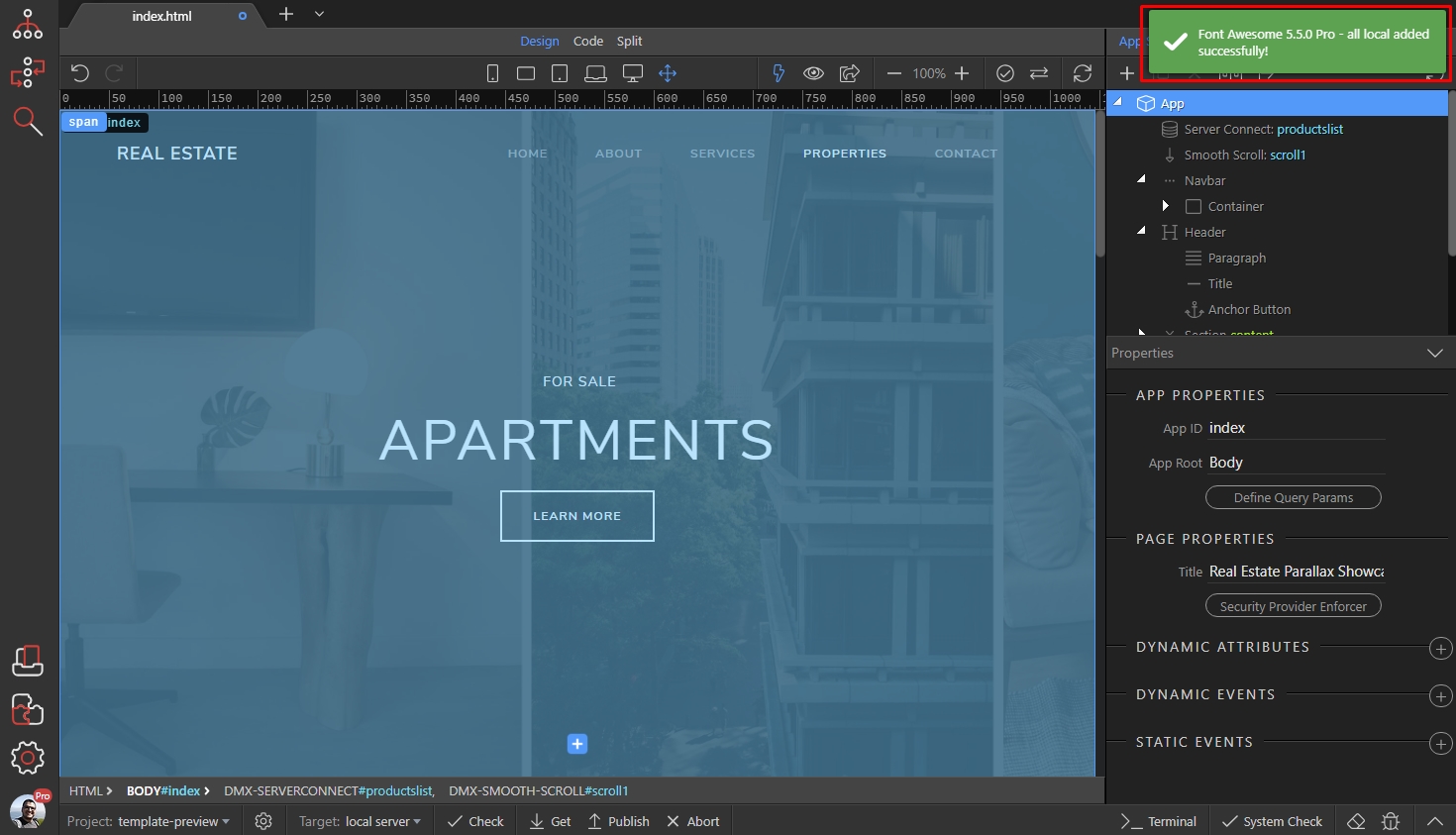
Step 12
Section titled “Step 12”You only need to do this once, now Font Awesome 5 Pro local will be available for all your projects.
You can start using it now!