Accessing the DOM Tree
Unlimited power to users that might need access to additional attributes and properties Use the DOM Tree to explore the full structure of your pages. Selecting an item in the DOM structure will allow
Unlimited power to users that might need access to additional attributes and properties
Section titled “Unlimited power to users that might need access to additional attributes and properties”Use the DOM Tree to explore the full structure of your pages. Selecting an item in the DOM structure will allow access to all the extended HTML properties of the chosen element.
Overview
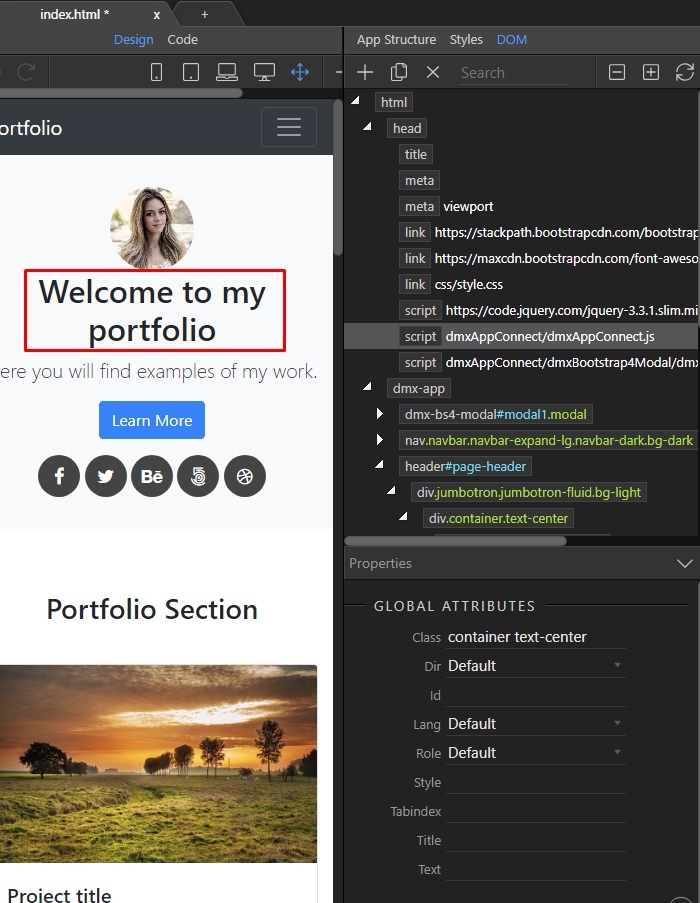
Section titled “Overview”You can select an element from your page and it will automatically highlight in the DOM Tree. There you can see all HTML Elements and their attributes.
Panel Location
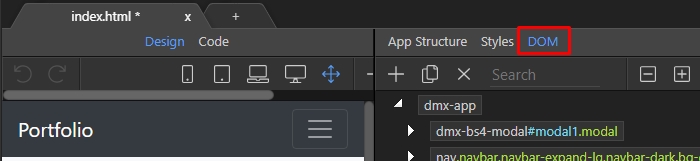
Section titled “Panel Location”You can access the panel by clicking the DOM button.
HTML Nodes and Attributes
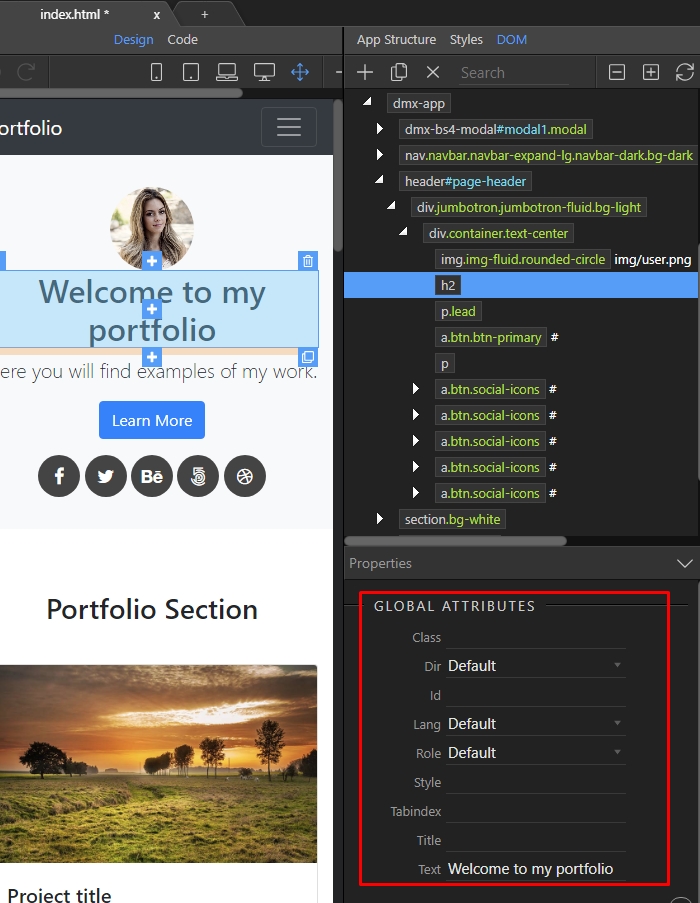
Section titled “HTML Nodes and Attributes”You can explore it’s attributes and properties by adjusting them as needed in the properties inspector. The available options you will find in the inspector will alter according to what element you have selected in the DOM or on your page.
Changing Attributes
Section titled “Changing Attributes”Right clicking an element in the DOM Tree allows you to insert any other element before, after or inside it.
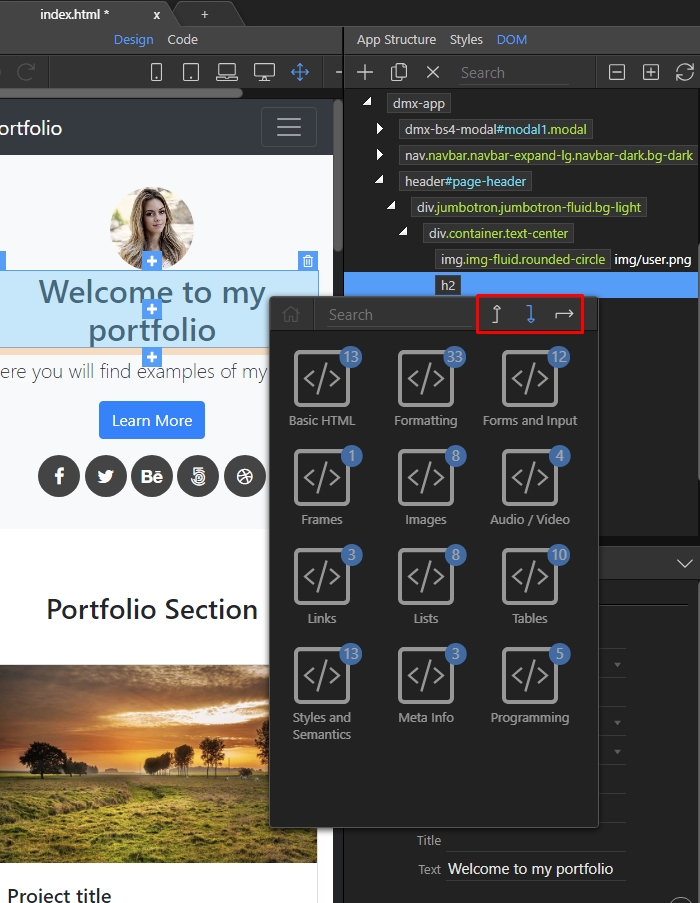
Manipulated HTML Elements
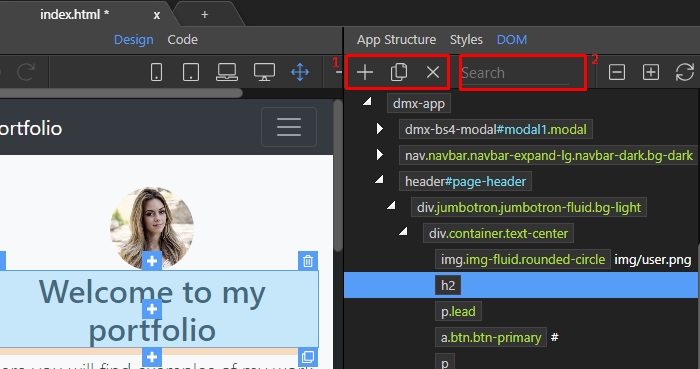
Section titled “Manipulated HTML Elements”The DOM Tree toolbar also allows you to add, duplicate and delete(1) elements in the tree, or enter a search for specific elements(2).