
Updating Cordova Projects to Capacitor
Intro Wappler provides an easy way to update your existing mobile Cordova based projects to Capacitor. Updating Projects First open your existing Cordova based
Wappler provides an easy way to update your existing mobile Cordova based projects to Capacitor.
Updating Projects
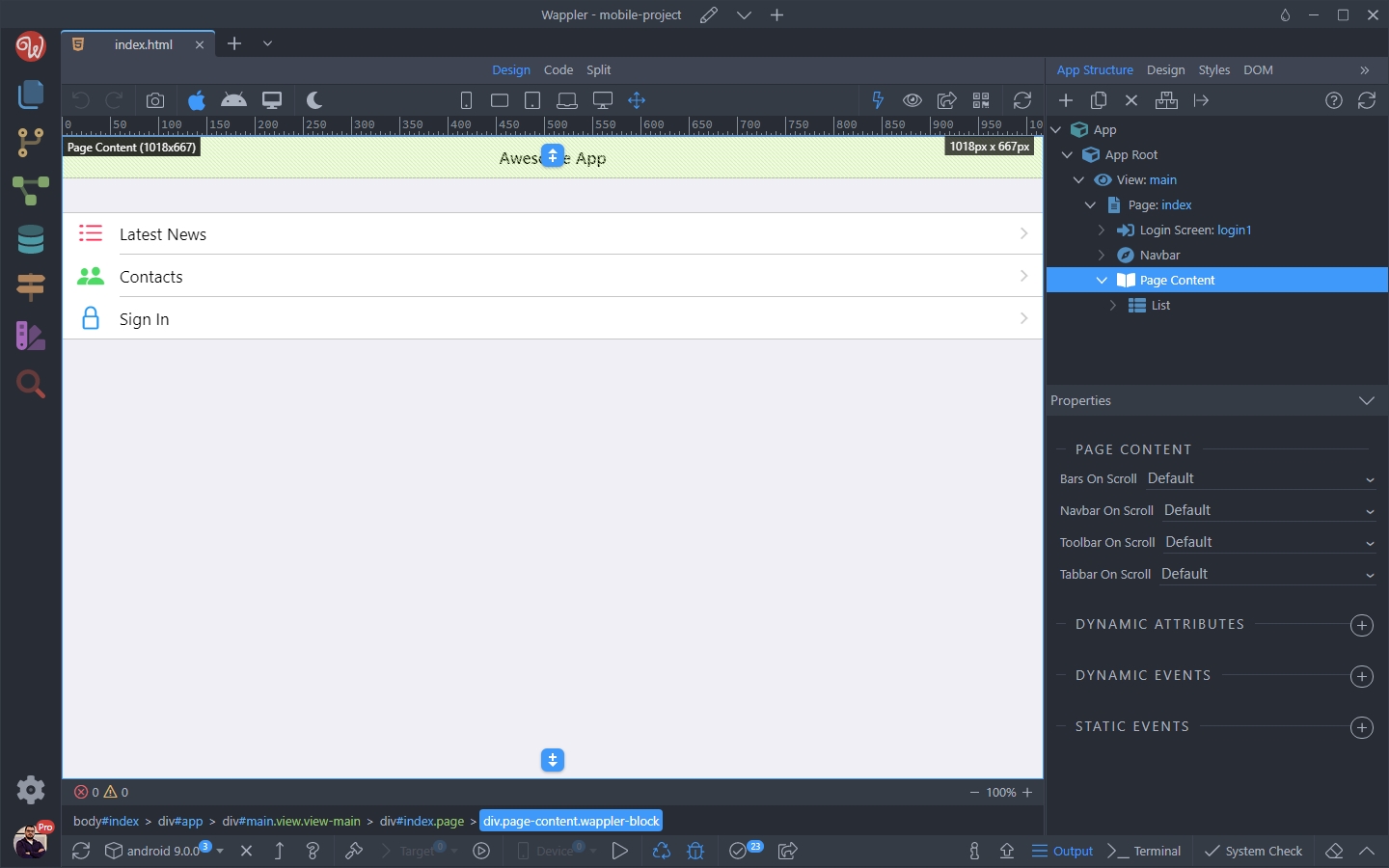
Section titled “Updating Projects”First open your existing Cordova based project:
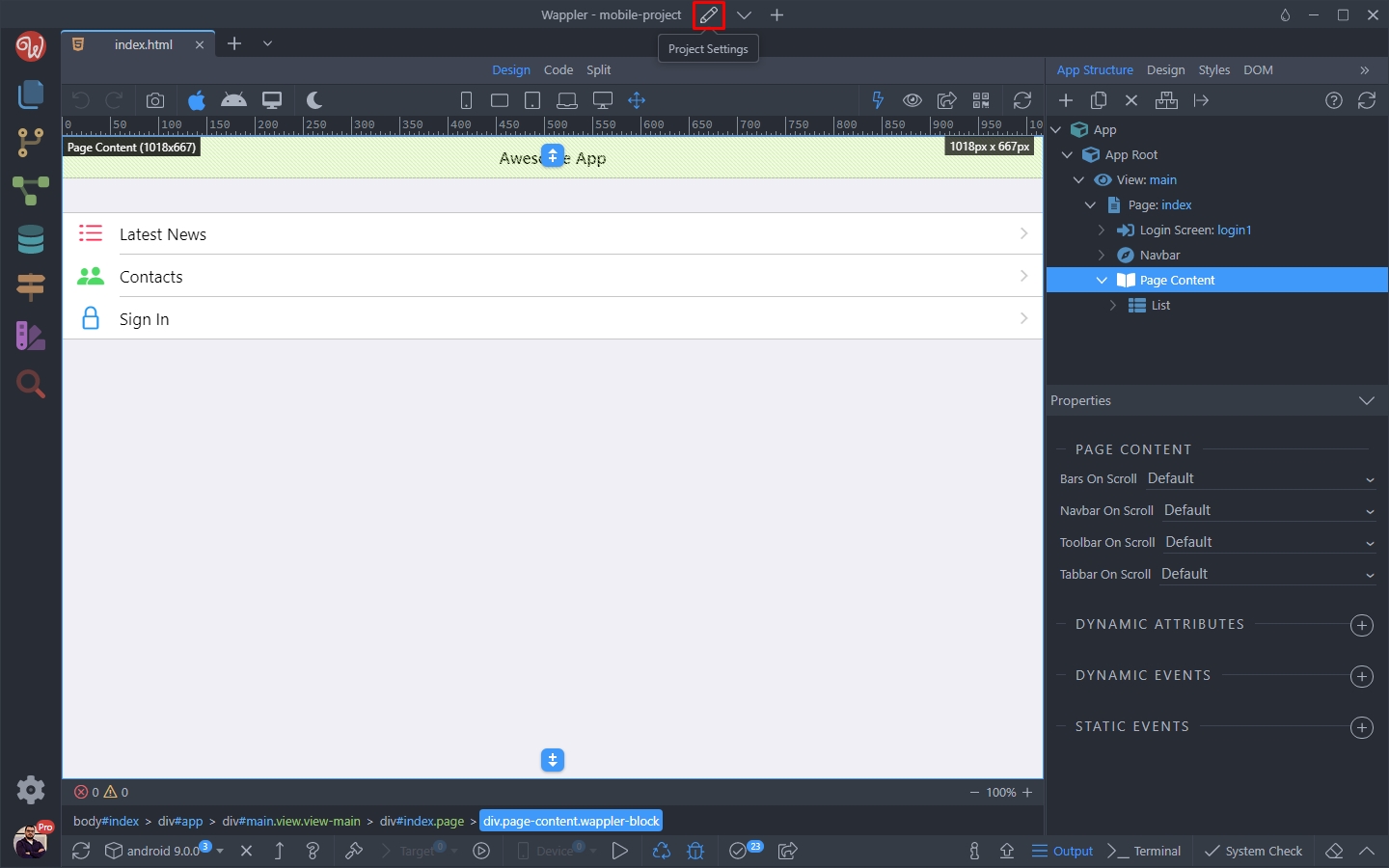
Click the Project Settings button:
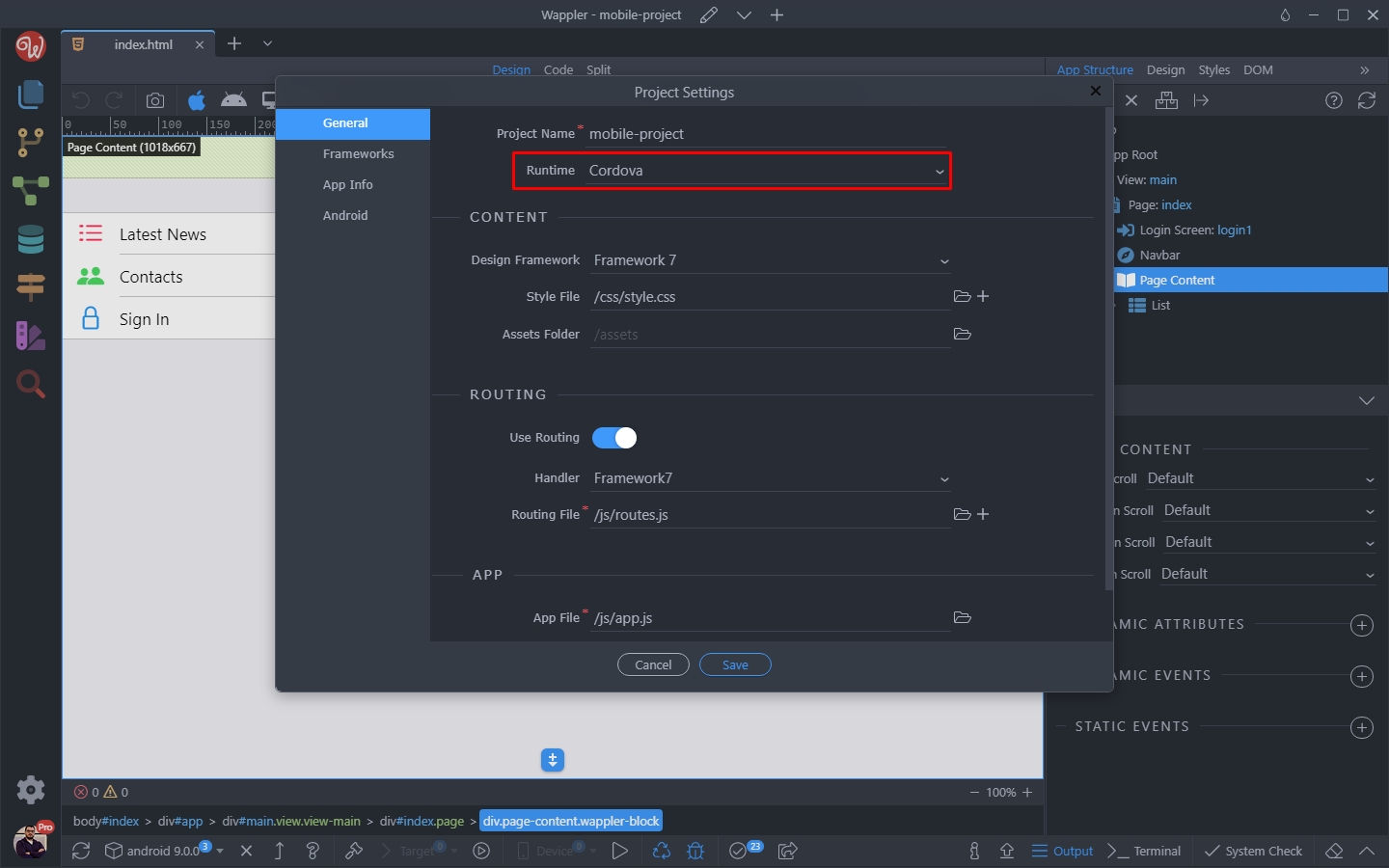
Then open the Runtime dropdown:
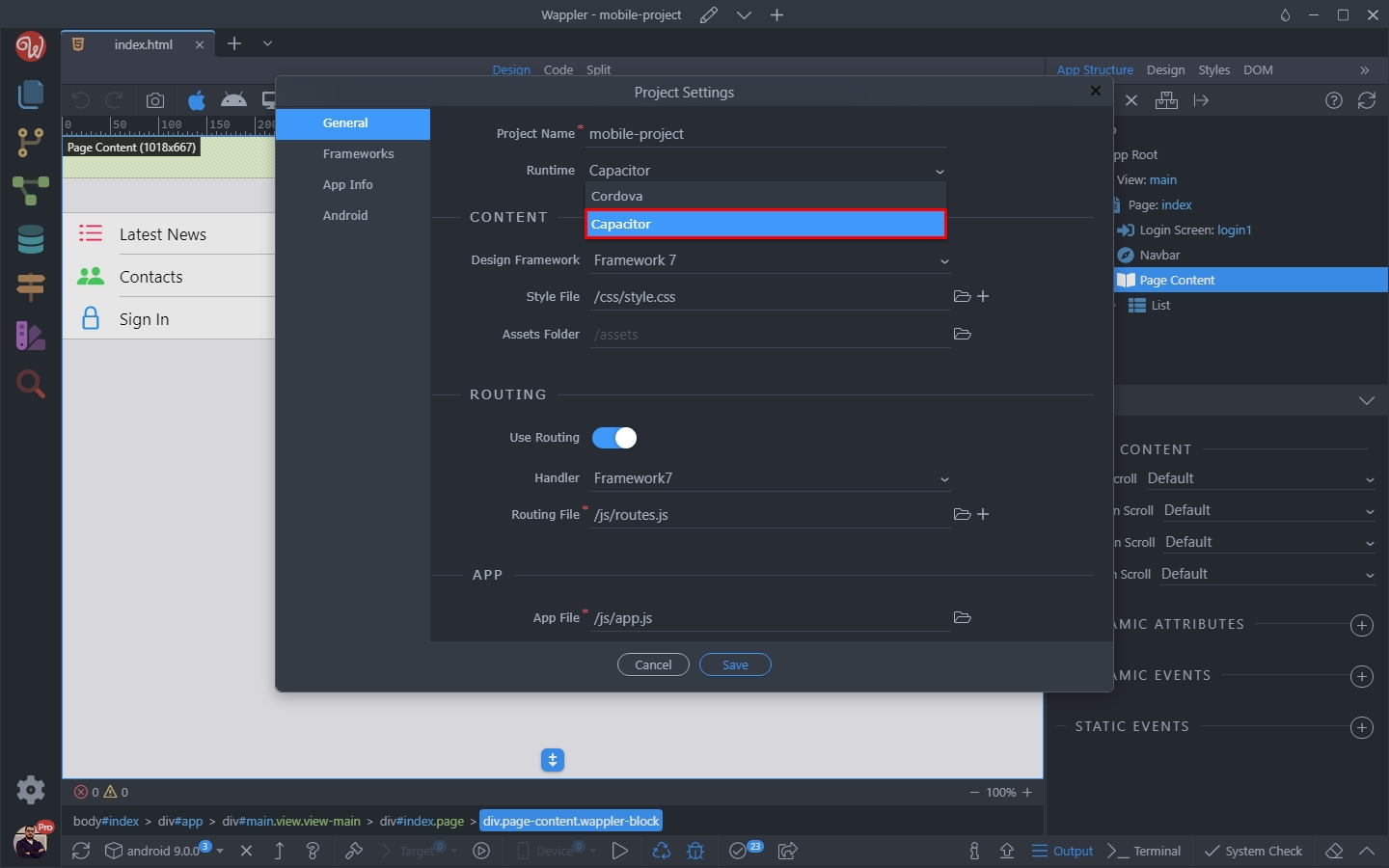
Change it from Cordova to Capacitor:
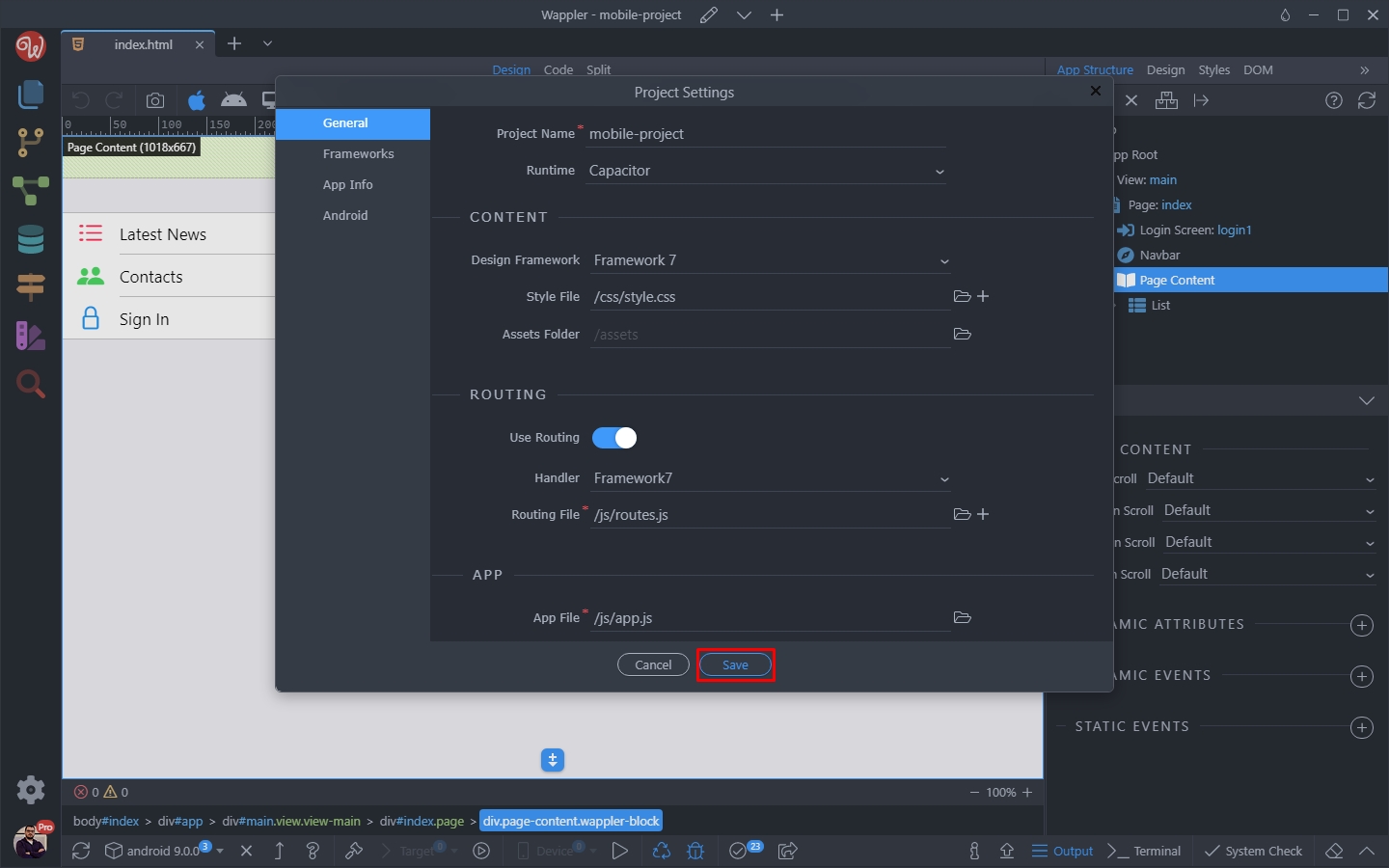
Save the project settings:
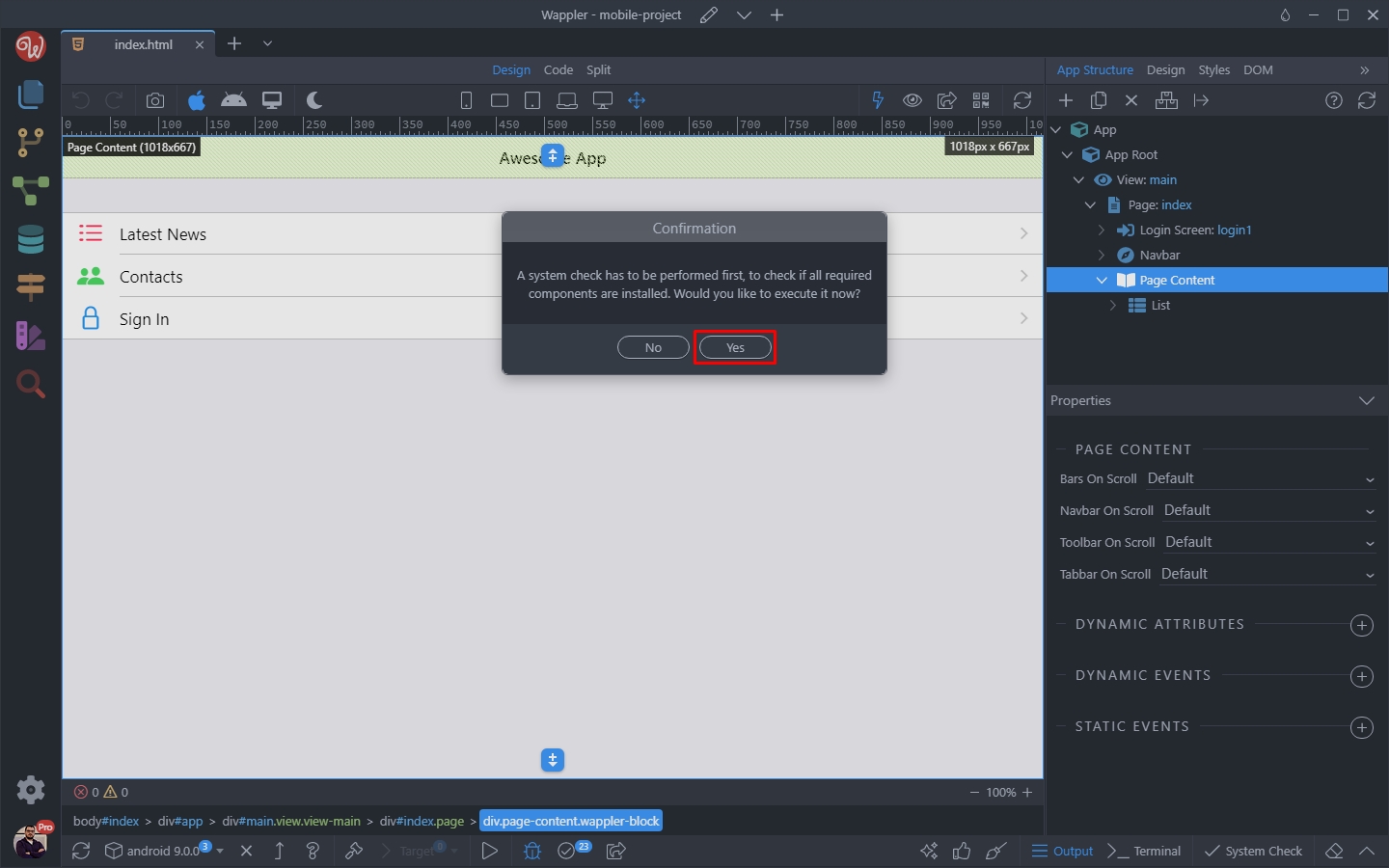
A system check prompt will appear, click Yes:
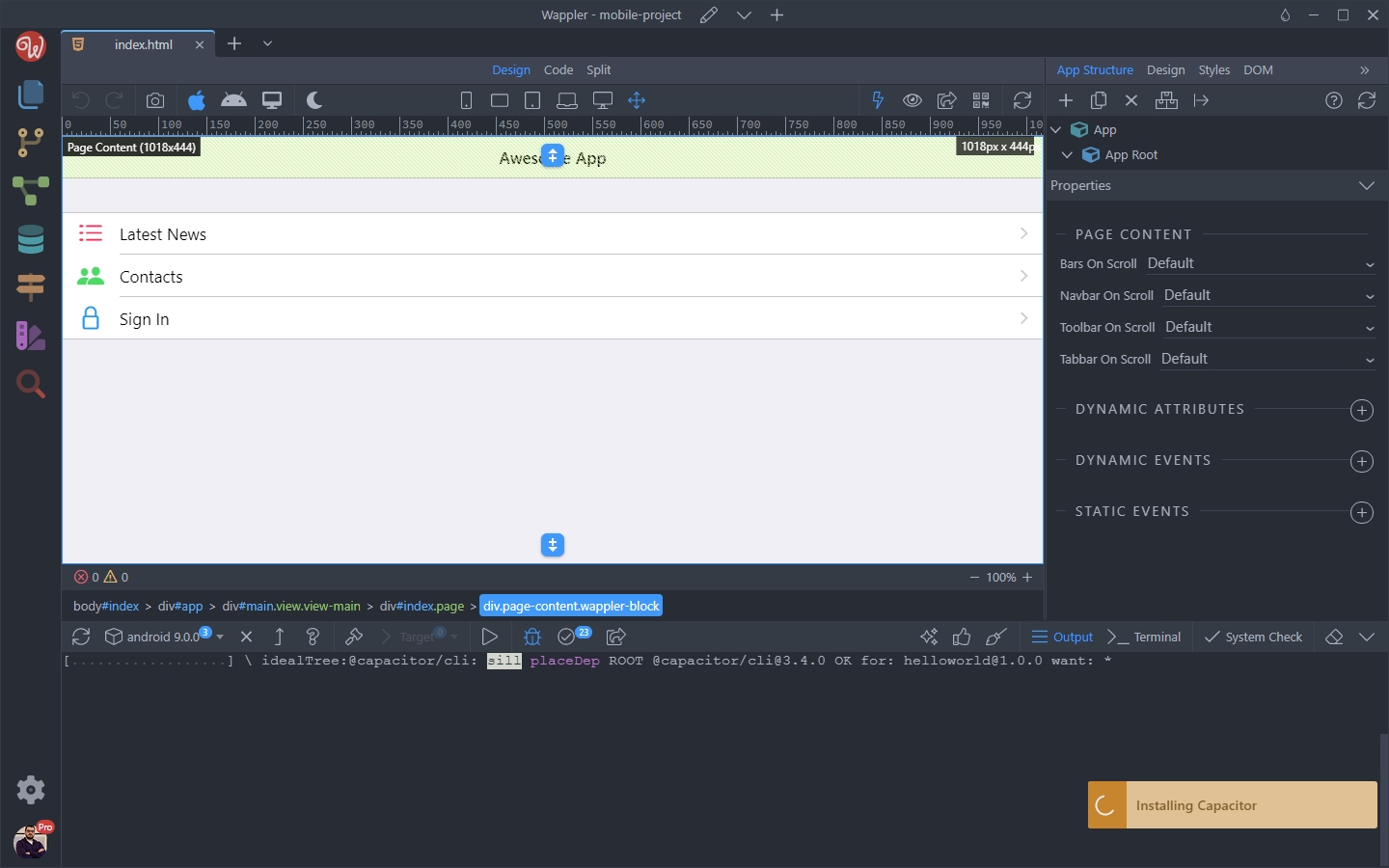
Capacitor will be installed for your project:
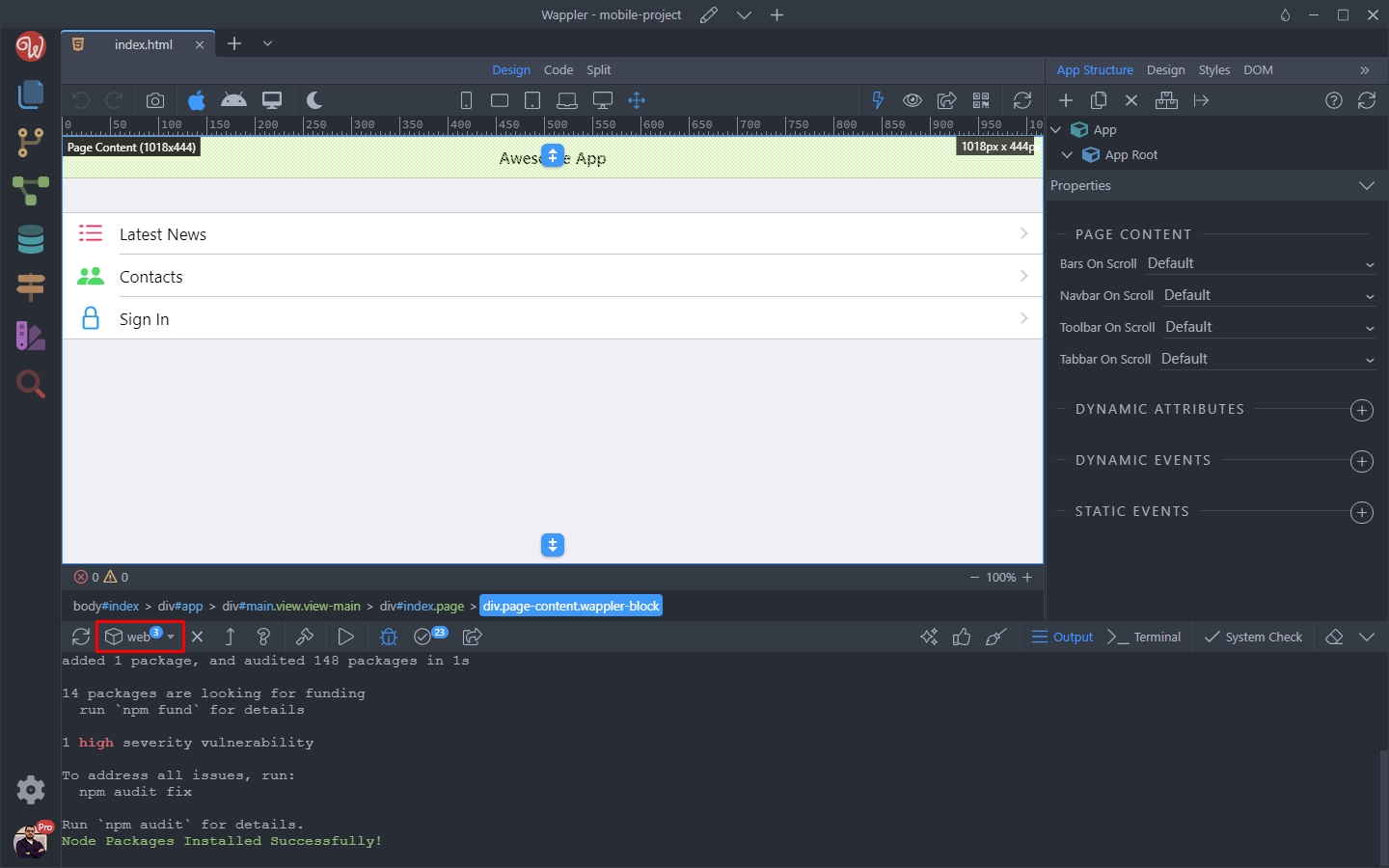
You will see a confirmation, when Capacitor has been installed successfully.
Now you can open the platforms dropdown:
And install the platform you need:
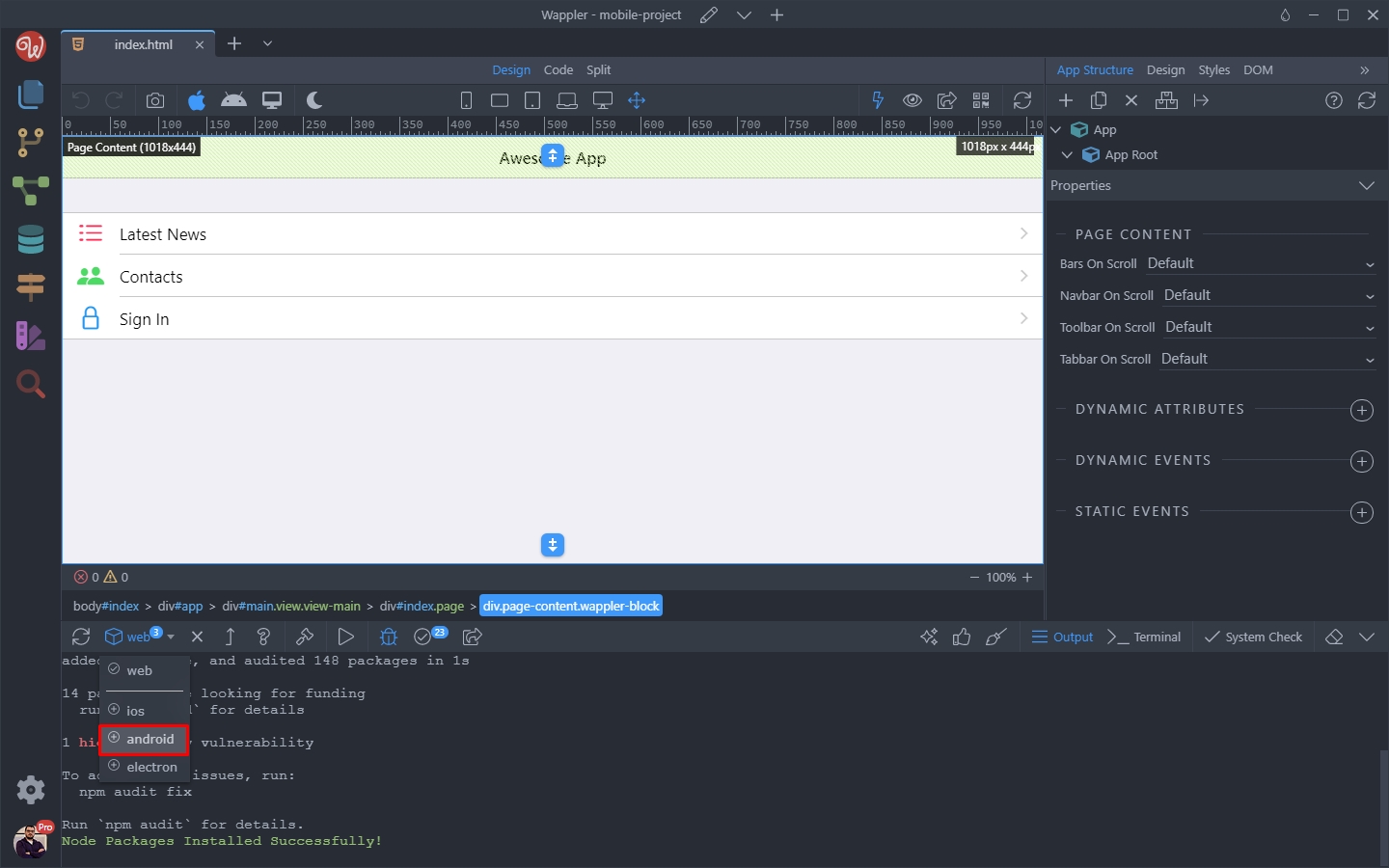
As soon as the platform is added to your project, you will see a confirmation message:
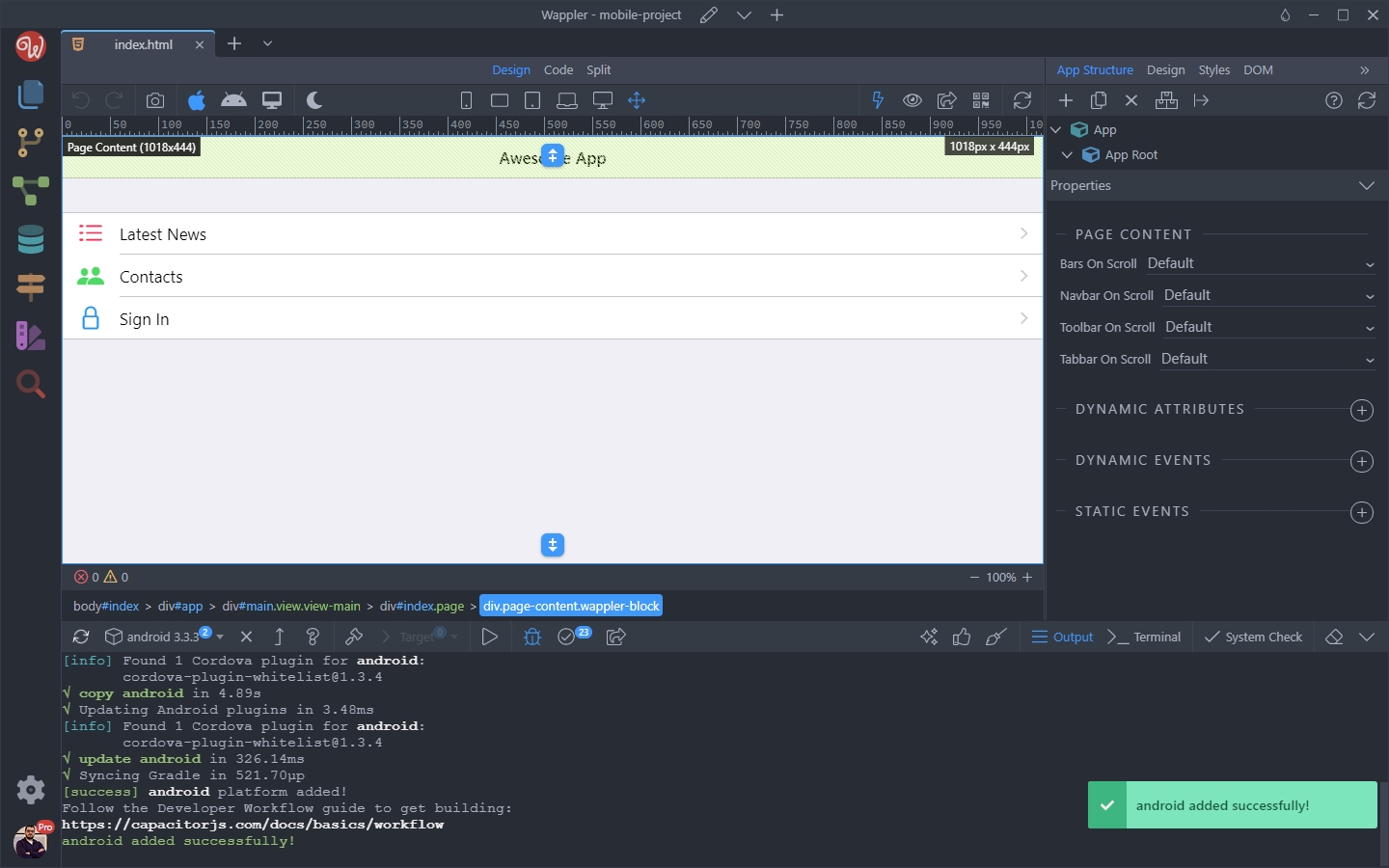
You are done. Your project is now using Capacitor!